GIF Compressor
No upload. No account.All processing happens in your browser. Your GIF files are never uploaded to a server.
Choose a GIF, reduce colors first, then reduce dimensions if needed; recompress and inspect after each change.
| Colors | Downloaded size |
|---|---|
| 128 | 350,432 bytes |
| 64 | 283,080 bytes |
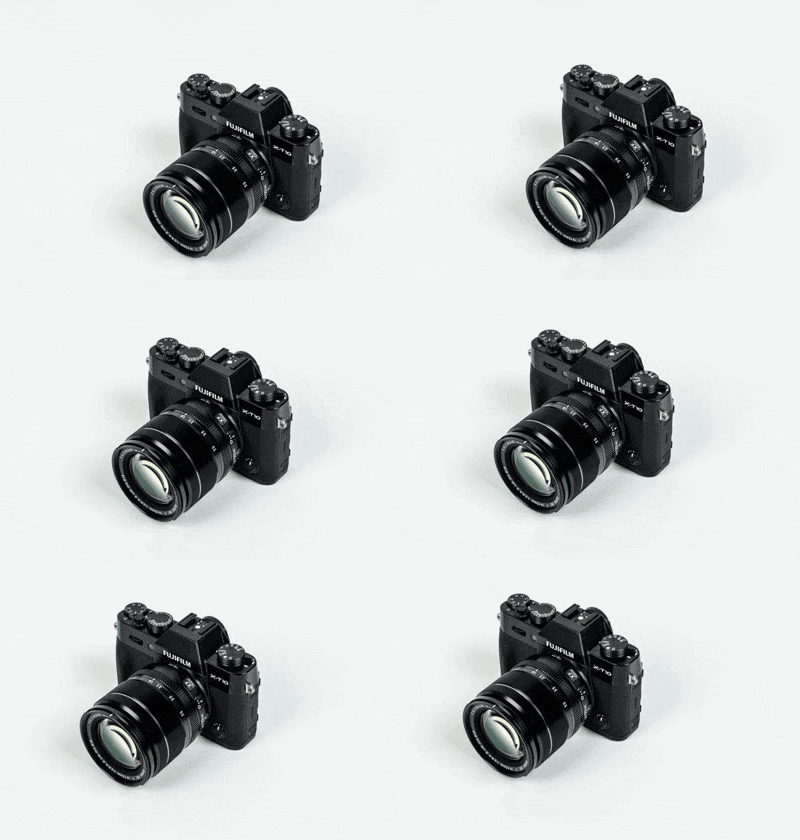
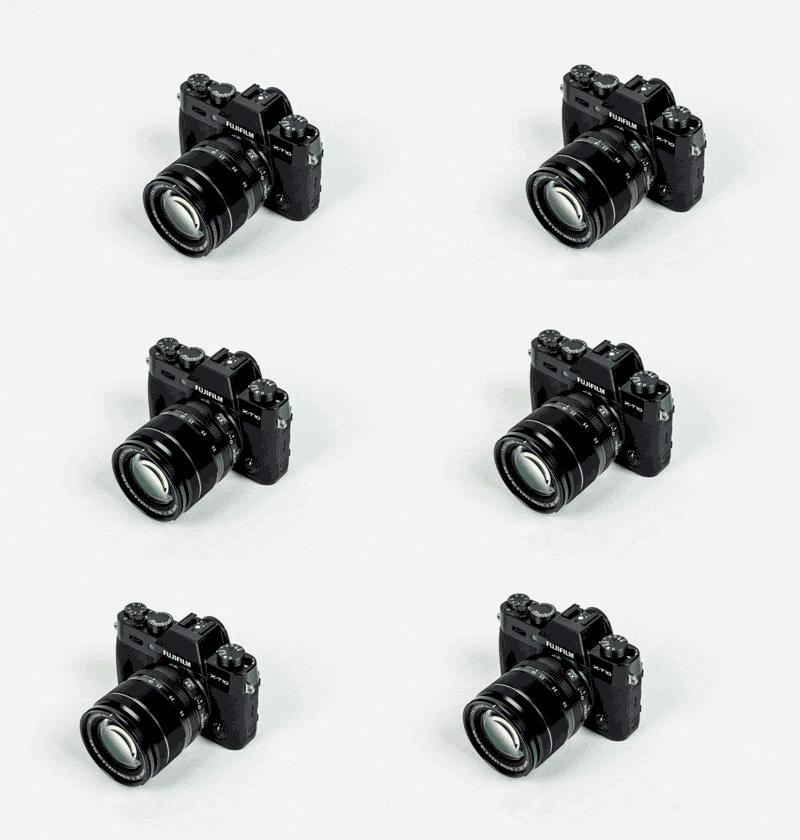
After downloading, we decoded both files locally and checked frame order, all 24 frames, every 100 ms delay, infinite looping, and 400 × 280 dimensions.
Output pixels differ from the original. We did not measure visual quality. Preserving timing does not mean preserving appearance.
Test input, method, source, and limitations · Individual runs; results depend on the file.
or drop a GIF here · paste a GIF file
One GIF at a time · up to 50 MiBImport from a direct URL
Downloads directly from that website. It must allow browser access (CORS). No upload or proxy.No GIF selected.
Fewer colors can reduce size and change gradients. 256 keeps the original palette. 0 disables lossy compression. Higher values may add artifacts. Keep the original dimensions or resize smaller.Choose a GIF to begin.
Compare motion and detail before downloading. Smaller files can look different.
Choose GIF settings for your material
These are starting points, not tested quality presets. Keep Dimensions at 100% while comparing colors. Change one control, compress again, and inspect the full loop before deciding.
| Your material | First comparison in this tool | What to inspect / when to stop |
|---|---|---|
| Photographs or video-derived GIFs | Compare 128 and 64 Colors with Lossy strength and Dimensions unchanged. The photograph-based test above used lossy 30 and dimensions 100%. | Watch faces, texture and gradients. If color steps or noise are distracting, return to more colors; the smaller file is not automatically the better result. |
| Text, UI recordings or flat-color diagrams | Start with Lossless settings (256 Colors, lossy 0, dimensions 100%). Then try 128 Colors with the other settings unchanged. | Read the smallest text and compare thin lines and brand colors. Keep the baseline if fewer colors change details you need. |
| Smooth gradients or transparent stickers | Start with Lossless settings, then compare 128 Colors without resizing or adding lossy compression. | Check gradient bands and transparent edges on the background where the GIF will be used. Stop reducing colors if bands or unwanted edge colors appear. |
| A GIF that has already been compressed | Try Lossless settings first and read the result message, rather than assuming another compression run saves bytes. | If the generated candidate is not smaller, this tool offers the original file. Keep it if further changes would harm the appearance you need. |
The photograph comparison has downloadable measured outputs. For text, gradients and an already compressed file, see the earlier five-file tests. Those runs measure bytes and elapsed time, not visual quality, and do not validate every starting point above.
Compress GIF online, without uploading it
Select a GIF, adjust the settings, and compress it. Preview both animations and download the result. Changes to settings require another compression run.
Supported files and limits
Animated and still GIF87a / GIF89a files are supported. Output is GIF. Choose a file, drag and drop it, paste a GIF file, or import a direct URL that permits browser access. Cloud storage account imports are not supported.
The file limit is 50 MiB. Images are limited to 4,096 pixels on either side and 100 million frame pixels in total (width × height × frame count). These are this tool's safety limits, not a promise that every device can process every file. Large animations may take longer or exhaust browser memory.
How this GIF optimizer works
Gifsicle runs as WebAssembly in a separate browser worker. It optimizes frame rectangles and transparency, with optional palette reduction, lossy compression, and resizing. Frame delays and loop settings are retained. No frames are deliberately dropped.
Choose Lossless settings to keep the original palette and dimensions and turn lossy compression off. If the generated GIF is not smaller, the download uses your original file and says so. Sizes are measured from the actual input and output bytes.
Frequently asked questions
How can I reduce GIF size?
Try fewer colors, a higher lossy strength, or smaller dimensions. Recompress and inspect the result. The size reduction depends on your file; a smaller result is not guaranteed.
Does my GIF leave my device?
Selected and pasted files stay in your browser. URL import contacts the URL you provide to download the GIF; it does not send your local files. There are no file upload endpoints or saved file history. This site uses Cloudflare Web Analytics for website usage statistics. See our privacy policy.
Is there a usage limit or watermark?
No account, no usage counter, and no added watermark. The per-file safety limits still apply.
Why will a URL not load?
The source website may block cross-origin browser requests, require a login, or return something other than a GIF. Download the GIF yourself and choose the local file instead.
Can I compress several GIFs at once?
No. This page handles one GIF at a time.
Can I use it on a phone?
The controls fit narrow screens. Processing speed and available memory depend on your browser and device. Keep this tab open while compressing.
GIF compression guide
Need a transparent background before compressing? Remove a background color from GIF locally, then inspect the edges.
GIF Compressor for Discord: upload limits and a photograph-based test
Reduce GIF size: five measured tests and settings by image type
Why is my compressed GIF not smaller? Read the result and choose the next setting
Compress GIF without losing animation: settings and a download checklist
Need to create an animation before compressing it? Use GIF Maker Online to arrange images or sample a local video.
Checking an upload cap? Compare GIF bytes, kB and KiB before compressing again.
A smaller download does not necessarily remove a GIF comment: see our saved-file comment retention test.
Does a compressed transparent GIF show a pale rim? Compare our opaque-edge fixture on white and dark backgrounds.
Does 256 colors mean the entire animation? Compare a 512-color two-frame GIF and its 128 Colors download.
Does a smaller GIF have fewer frames? See our four-frame download and two-frame timing comparison.
Will compression keep a finite loop? Compare four loop fields and their saved engine outputs.
Does a shorter frame delay survive compression? Compare requested, stored and decoded milliseconds.
Can repeated palettes inflate a GIF? Compare same-pixel global and local palette inputs.
Does interlacing guarantee smaller GIFs? Compare sequential and interlaced row encoding.
Can GIF sub-block framing change file size? Compare identical image data with different sub-block lengths.
Transparent frames leaving trails? Compare four changed disposal bytes and complete decoded frames.
Can changing palette labels save bytes? Compare identical animations stored at low and high indices.
Can code width change size with a fixed palette? See our LZW minimum code size controlled experiment.
Does matching raster data preserve display geometry? Check the pixel aspect ratio experiment.
Does a transparency flag imply transparent pixels? See our unused-index saved-file control.
Do unused RGB palette values affect compression? See the fixed-index unused-color experiment.
A color absent from image indices may still be referenced by the background. See the three-byte background control and complete-frame checks.
Can extra bytes inflate a GIF compression saving? Compare the same GIF stream with and without a trailing suffix.