Can a GIF Have More Than 256 Colors?
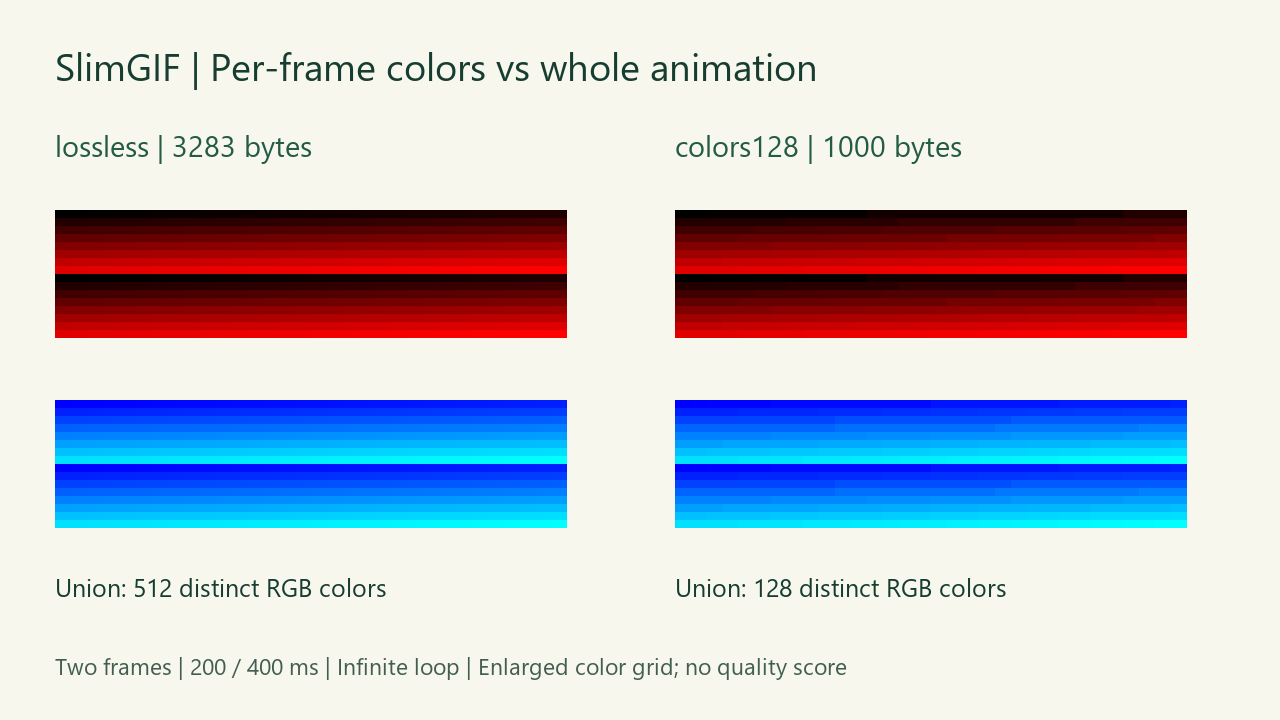
Yes, across its animation. Our two-frame test GIF contains 256 distinct RGB colors in each frame and 512 across both frames. SlimGIF's 256 Colors setting returned the original 2,515-byte file. Changing only Colors to 128 produced a 1,000-byte download with 64 colors in each frame and 128 across the animation. We counted the saved files after downloading; this is one synthetic test, not a quality score.
A palette limit is not a whole-animation count
The GIF89a specification, sections 19–21, distinguishes the global color table from an image's optional local color table. A table can contain at most 256 entries. Separate image blocks can use different tables, so counting distinct colors across multiple images can exceed 256.
Our example uses two full opaque 32 × 16 frames. The first uses colors (i,0,0) for i from 0 to 255; the second uses (0,i,255). Those sets do not overlap. We are counting RGB values across both decoded frames, not claiming a 512-entry GIF color table. We did not test tiled images or accumulated partial-frame color tricks.
| Saved file | Bytes | Colors per decoded frame | Colors across both |
|---|---|---|---|
| Synthetic input | 2,515 | 256 / 256 | 512 |
| Browser: Colors 256 | 2,515 | 256 / 256 | 512 |
| Browser: Colors 128 | 1,000 | 64 / 64 | 128 |


Why did 256 Colors return the same bytes?
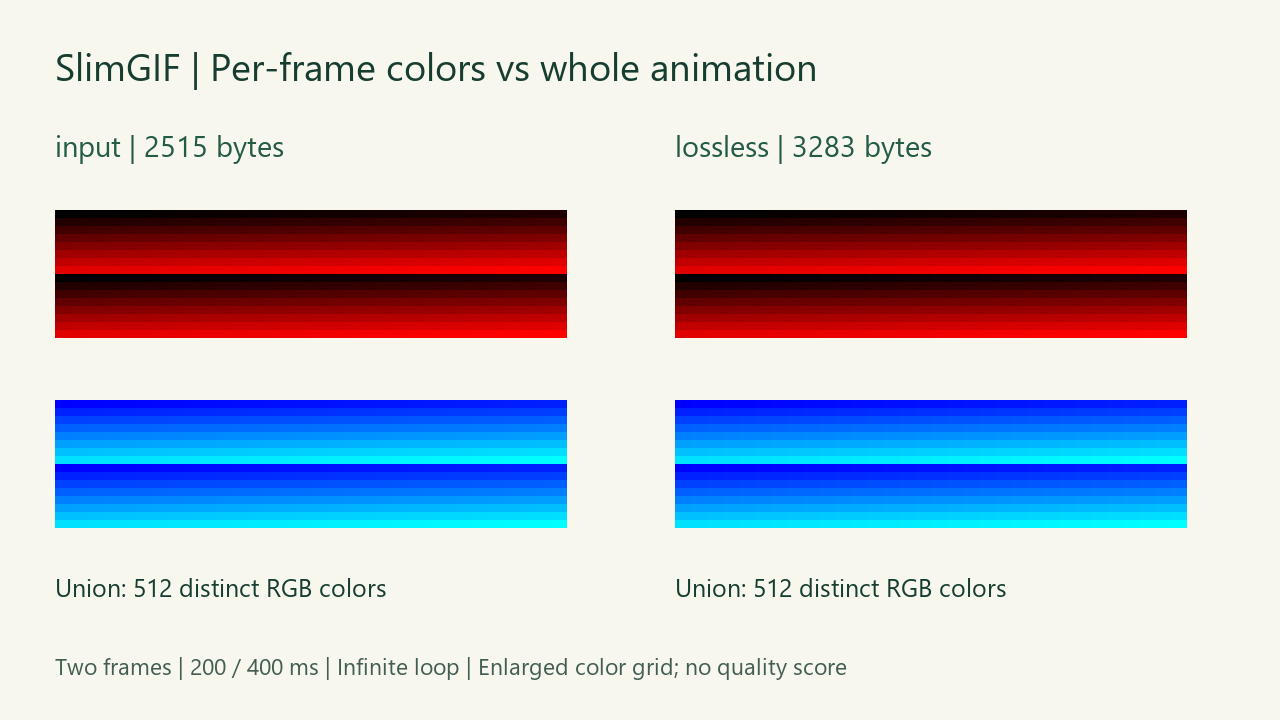
In SlimGIF, 256 Colors keeps the original palettes rather than requesting one shared 256-color palette. We selected Lossless settings, leaving lossy strength at 0 and dimensions at 100%. The engine candidate was 3,283 bytes, larger than the 2,515-byte input. The website therefore offered the original file and explicitly said so. The saved browser download matched the input byte for byte.
The 3,283-byte engine candidate is available for inspection, but it was not the website's offered download. After local decoding, its two RGBA frame hashes matched the input and it still had 512 colors across the animation. It is a diagnostic artifact, not a hidden compression preset.

Why are there only 64 colors in each frame at 128?
For this file, the current engine's explicit --colors 128 run reduced the palette across the animation. The resulting two frames each used 64 distinct RGB values, and their union contained 128. The actual 1,000-byte browser download matched that separately generated local candidate exactly. A setting is not a promise that every frame uses exactly that many distinct colors; another animation can distribute colors differently.
Both reduced frames have different RGBA hashes from the originals. They retain two frames, 200 and 400 millisecond stored delays, infinite looping (loop value 0), and 32 × 16 dimensions. Keeping those timing and structural values does not mean preserving appearance.
How to reproduce this comparison
On October 21, 2026 we generated the original fixture, opened the live GIF compressor, selected Lossless settings and saved its offered download. We then changed Colors to 128 without changing lossy strength or dimensions, compressed again, and saved the new download.
After downloading, we decoded the files locally with Pillow, counted the set of visible RGB triples in each frame and the union of those sets, and recorded RGBA hashes, delays, loop and dimensions. These are our local checks; the public downloads let you independently repeat them. Read the exact byte counts and hashes. Fixture, decoding and figure source is provided with local paths and dependency requirements.
What this test does not establish
This deliberately simple color grid is not a photograph or a subjective quality benchmark. We did not score banding, motion quality, display color management or perceived similarity. The byte reduction is specific to these files. The original fixture and our figures are released under CC0.
For the different question of an opaque pale rim on a dark background, see our saved-file edge comparison. To check a size limit, compare exact bytes rather than rounded kB labels.
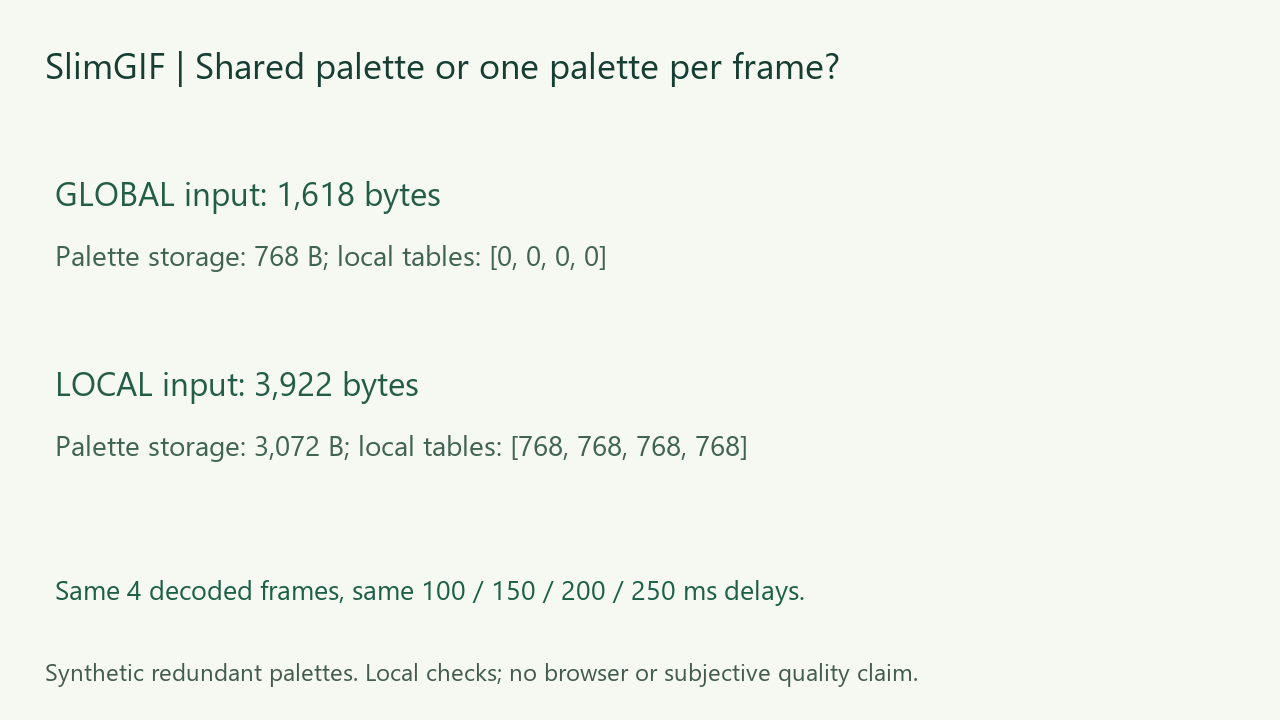
Can repeated palettes inflate a GIF? Compare same-pixel global and local palette inputs.