Does a GIF Compressor Remove Comments?
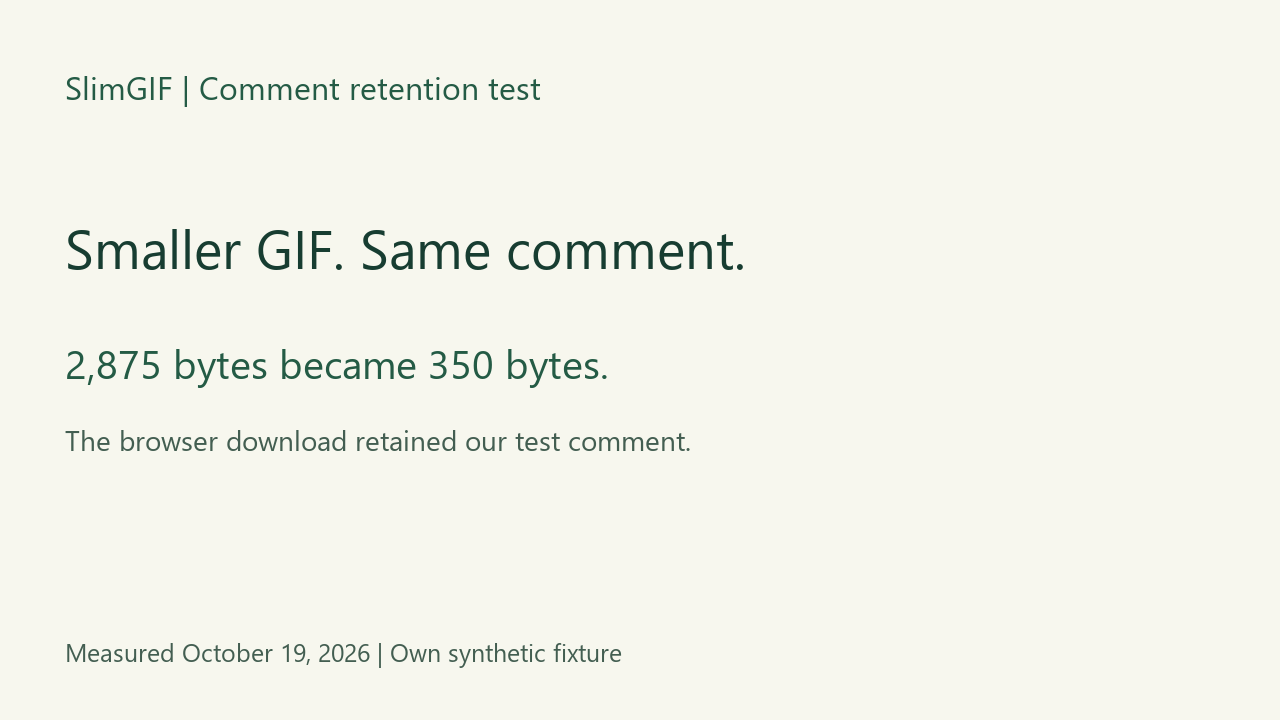
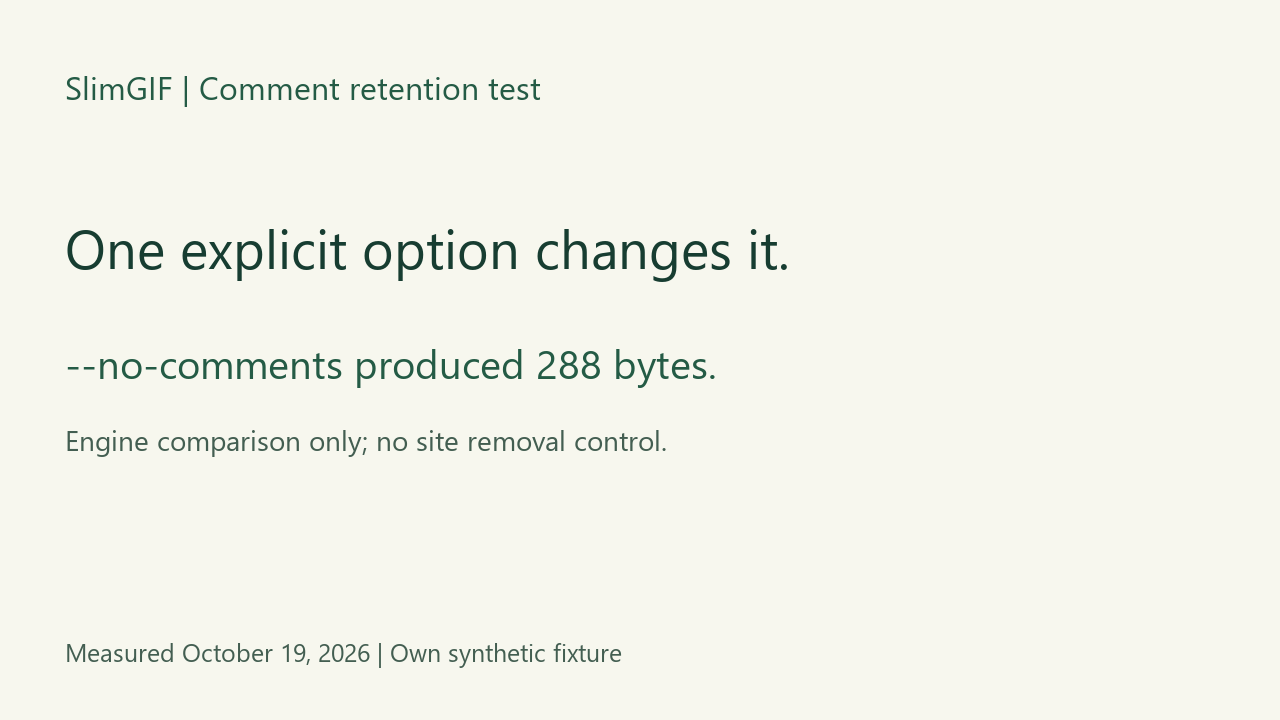
Not necessarily. Our 2,875-byte test GIF became a 350-byte SlimGIF download while retaining the same comment. We selected Lossless settings: 256 colors, lossy strength 0, dimensions 100%. A separate local engine run with --no-comments produced 288 bytes and removed that comment. That option is not a control on this site.
One public test comment, two outcomes
We generated a 64 × 48 GIF with three frames and the deliberately public comment below. No private file or personal data was used. This original synthetic fixture is released under CC0.
SlimGIF test comment: synthetic fixture, no personal data.
| Saved file | Bytes | Comment after decoding |
|---|---|---|
| Synthetic input | 2,875 | Present |
| SlimGIF Lossless settings download | 350 | Retained unchanged |
| Local engine: explicit --no-comments | 288 | Absent |


The 350-byte download saved 2,525 bytes without removing our comment. The diagnostic engine output was another 62 bytes smaller. These differences describe this fixture, not typical metadata savings.
What we downloaded and decoded
We chose the synthetic input in the live GIF compressor, clicked Lossless settings, compressed it, and saved the offered download. Its bytes matched the separately generated local -O1 output exactly. The initial page controls use different settings; this experiment specifically used the Lossless settings button.
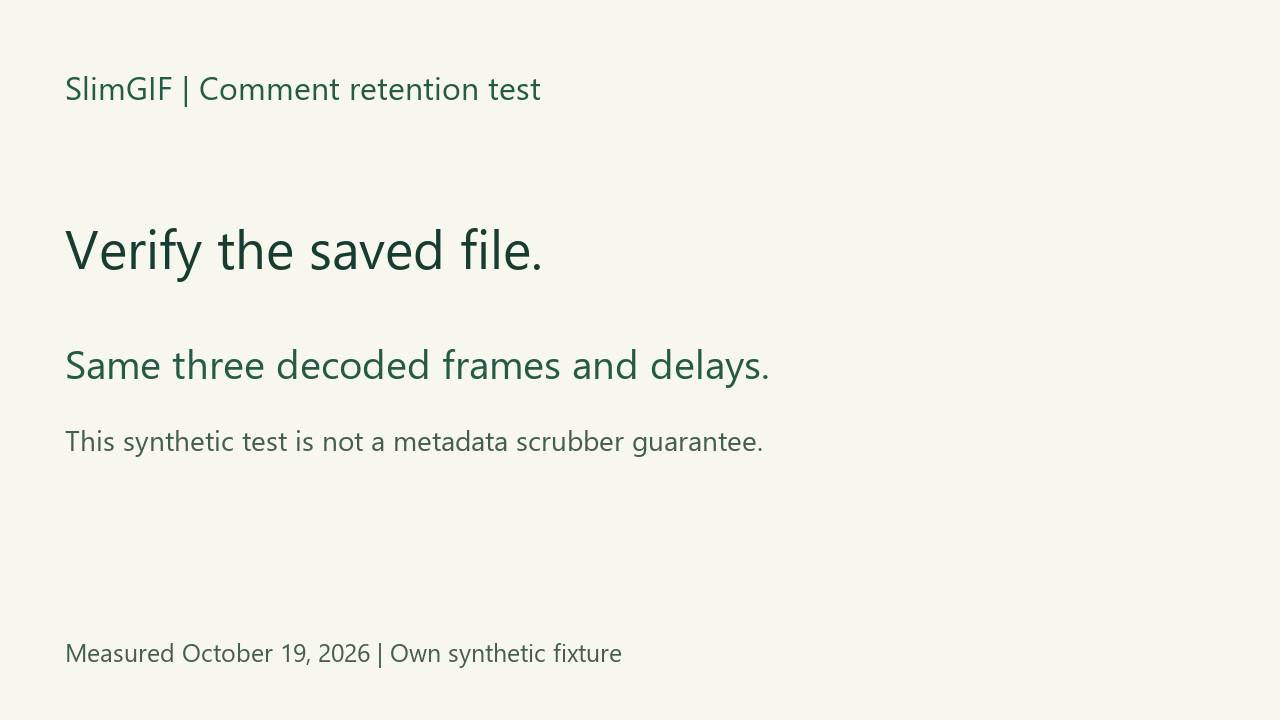
After downloading, we decoded the input and both outputs locally with Pillow. All three composited RGBA frames matched by SHA-256 in the same order. Stored delays stayed 100, 200 and 300 milliseconds, loop value stayed 0 (infinite), and dimensions stayed 64 × 48. Inspect byte counts, file hashes and frame hashes.
Why the explicit option matters in this test
We used the current site's Gifsicle WebAssembly binary for the local comparisons. The commands were:
-O1 input.gif -o /out/output.gif
-O1 --no-comments input.gif -o /out/output.gif
The browser's Lossless settings use the first command. Gifsicle's own option documentation separately describes --no-comments. In this fixture, shrinking the encoded animation and removing the comment were distinct outcomes.
Does 288 bytes mean all metadata is gone?
No. The loop extension remained in our 288-byte diagnostic output. We verified removal of this one comment, not every extension or metadata type. SlimGIF is not presented here as a metadata-removal service.
This is a simple generated animation. The matching decoded pixels do not establish visual-quality performance for photographs, lossy settings or other GIFs. A local engine test also does not establish how another compressor handles comments.
If you are checking an upload cap rather than a comment, use the separate exact-byte threshold comparison. For this experiment, the size reduction alone did not answer whether the saved comment survived.
Are bytes after the trailer a GIF comment?
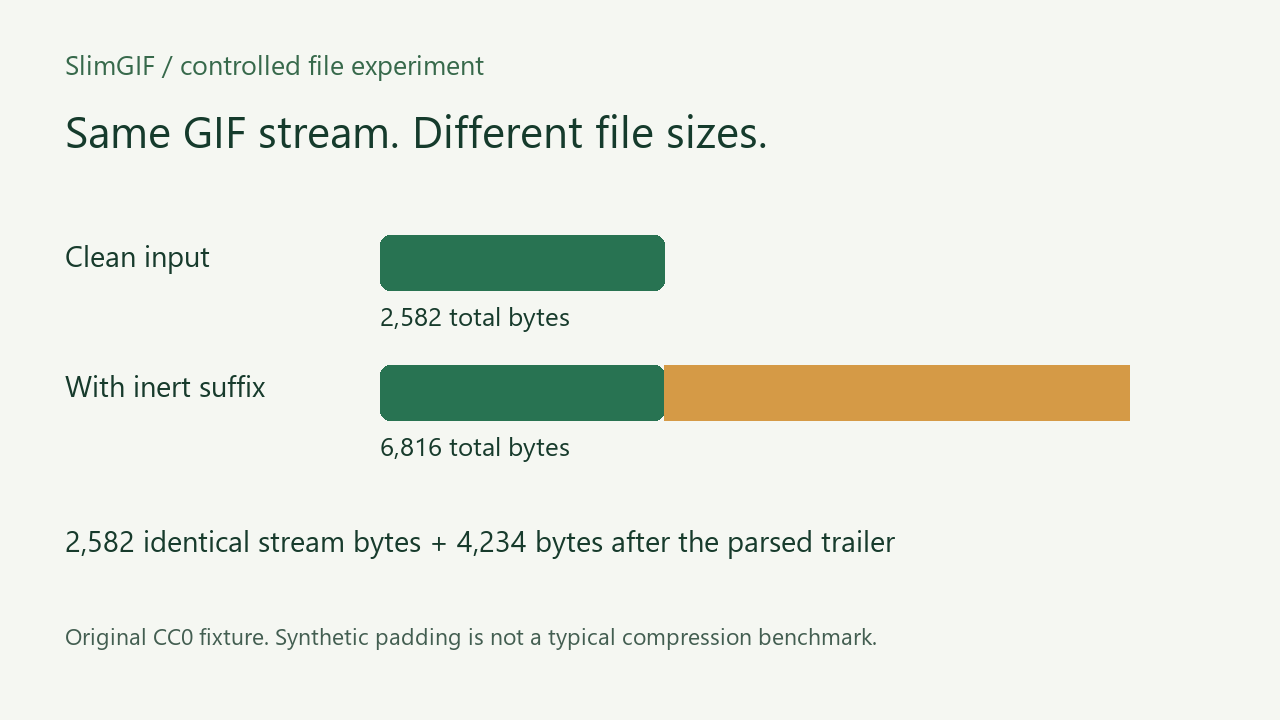
No. A comment extension belongs inside the GIF stream; our inert suffix is after the parsed trailer. In a new controlled pair, adding 4,234 bytes changes the input size without adding frames. Read the trailing-byte experiment, paired files and limits. This does not establish privacy sanitization.