Does Speeding Up a GIF Reduce File Size?
Changing only frame delays can make the same GIF play faster without making its file smaller.
In our timing-only test, the original and both edited files have exactly the same byte count.
If you need fewer bytes, use compression or resizing and compare the actual download size.
Open GIF Compressor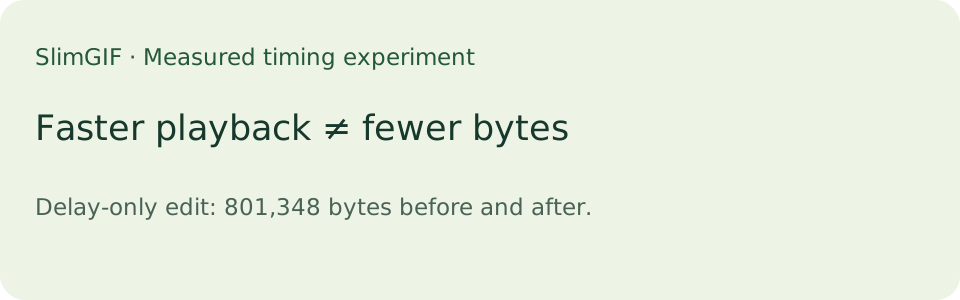
What we changed
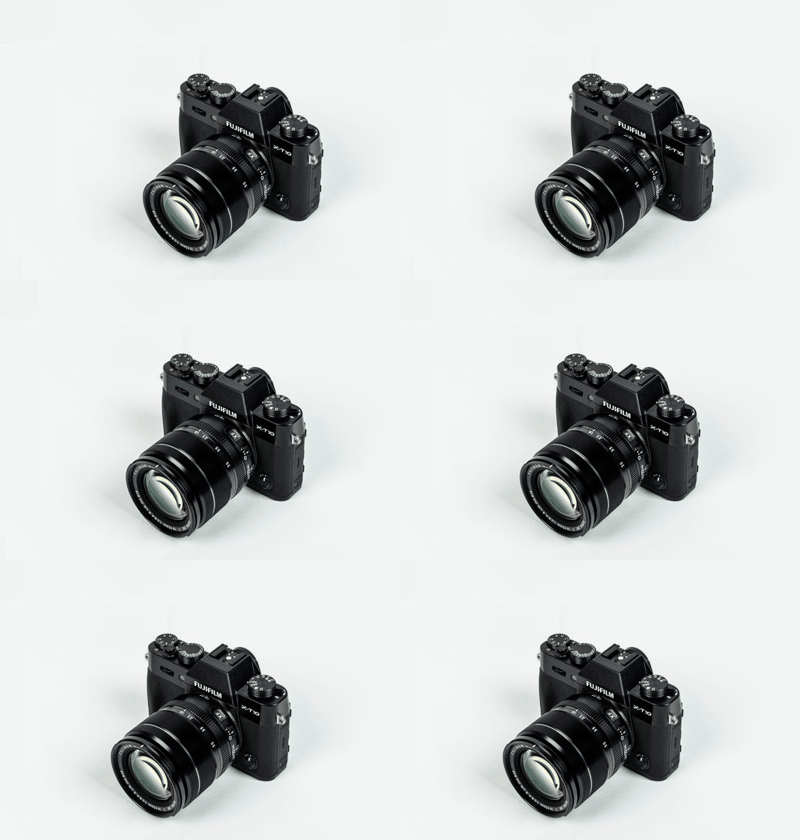
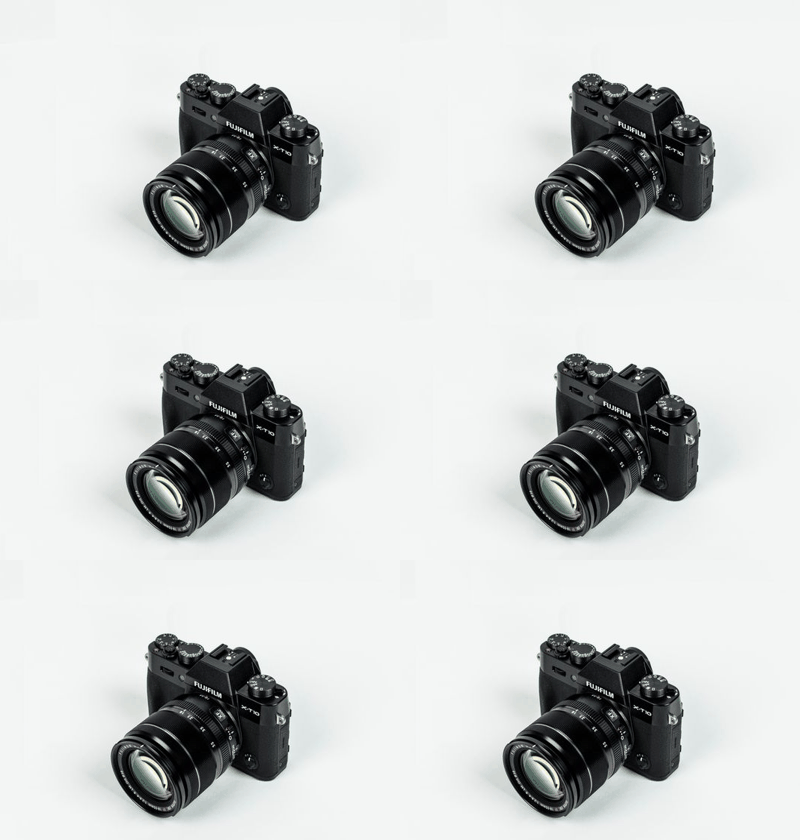
We used the photograph-based animation from our Discord experiment, rather than a newly generated vector sample.
Our small local script edited only the two delay bytes in each graphic control extension.
The script left image data, palettes, dimensions, frame order, and all other bytes untouched.
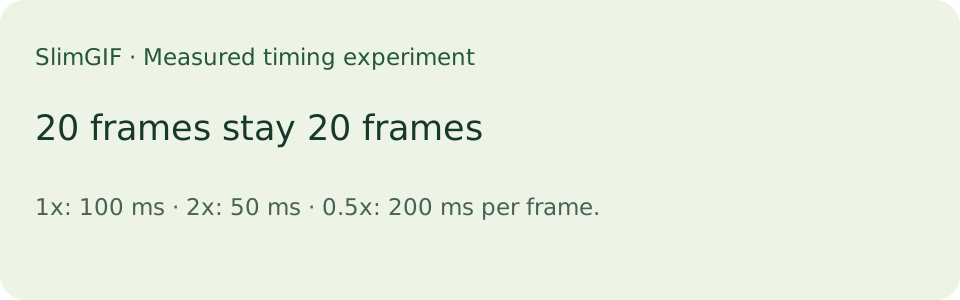
The source has 20 frames, and its recorded frame delay is 100 milliseconds for each frame.
For the faster copy we wrote 50 milliseconds per frame; for the slower copy we wrote 200 milliseconds.
We saved each file and reopened it with an independent GIF parser to count frames and read delays.
Measured files
Every saved file measures 801,348 bytes and contains 20 frames at 400 × 280 pixels.
The stored duration changes from 2,000 milliseconds to 1,000 or 4,000 milliseconds.
Stored duration is the sum of the frame delays; it is not a stopwatch measurement of browser playback.
The edited files differ from the source in 20 bytes, all within delay fields.
For this experiment, doubling playback speed therefore saved zero file bytes.
These readings apply to this file and this timing-only edit, not to every speed-changing tool.
A tool that also removes frames or re-encodes image data may produce a different file size.
That is a different operation, so its size change should not be attributed to delay editing alone.
Download the three files below and compare their measured sizes before deciding which change you need.
Measured on this machine on 2026-10-10. These are saved-file readings, not averages or a compression promise.
| Timing edit | File bytes | Frames | Delay per frame | Stored duration |
|---|---|---|---|---|
| 1x | 801,348 | 20 | 100 ms | 2,000 ms |
| 2x | 801,348 | 20 | 50 ms | 1,000 ms |
| 0.5x | 801,348 | 20 | 200 ms | 4,000 ms |
What to do when the GIF is still too large
To reduce bytes in SlimGIF, open the compressor, choose your file, change one setting, and run it again.
Watch the preview before keeping changes to dimensions, colors, or lossy strength.
The homepage compressor returns the original when its generated candidate is not smaller.
The resize tool instead keeps the requested resized result, even when it is larger.
SlimGIF does not offer a speed adjustment control on this page.
The downloadable examples were prepared for this experiment; they are not a speed-editing service.
Can an already compressed GIF shrink just by playing faster?
An already compressed GIF does not become smaller just because its playback duration is shorter.
Check the saved file bytes and the operation performed, rather than using duration as a size estimate.
Sources and next steps
The source animation and its photograph provenance are documented in our Discord measurements. See reduce GIF size, resize GIF, and unchanged compression results for different operations. Our published compressor script defines the fallback behavior.