Reduce GIF Size
To reduce GIF size, try a smaller palette first, then change dimensions or lossy strength only as far as the result remains useful.
Run compression again after each change, compare the actual bytes, and watch the downloaded animation before keeping it.
Reduce your GIF sizeFive files, measured in the actual tool
We tested five GIF files in SlimGIF on October 8, 2026, using 128 colors, lossy strength 30, and original dimensions.
These are test animations: moving shapes, a previously compressed copy of those shapes, a moving cursor, a changing gradient, and text with a progress bar.
The cursor, gradient, and text animations were generated for this comparison; they are not customer files or photographic footage.
Each row records one local browser run, not an average or a prediction for another device.
Time is the tool’s displayed elapsed time, including worker and engine startup, compression, and output validation.
| Test GIF | Before (KiB) | Download (KiB) | Time (s) |
|---|---|---|---|
| Moving shapes | 126.34 | 48.06 | 0.78 |
| Already-compressed motion | 48.06 | 48.06 | 0.24 |
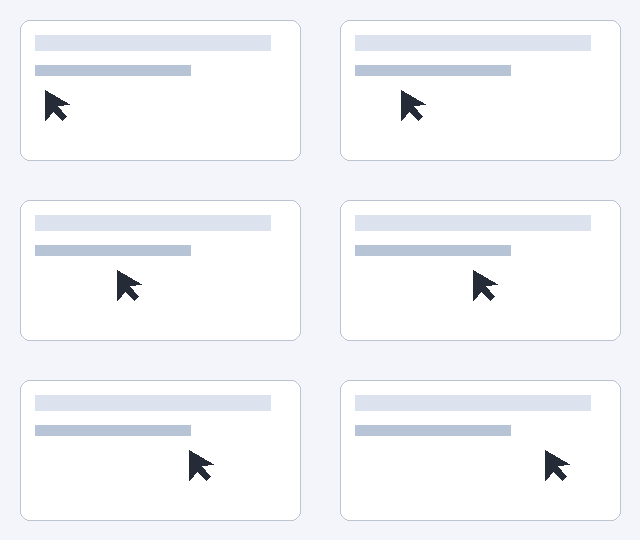
| Cursor on a static interface | 3.96 | 2.87 | 0.11 |
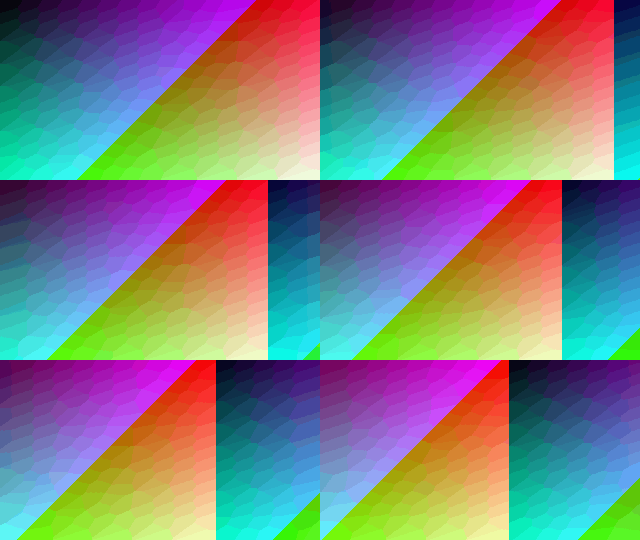
| Animated gradient | 189.34 | 110.88 | 1.99 |
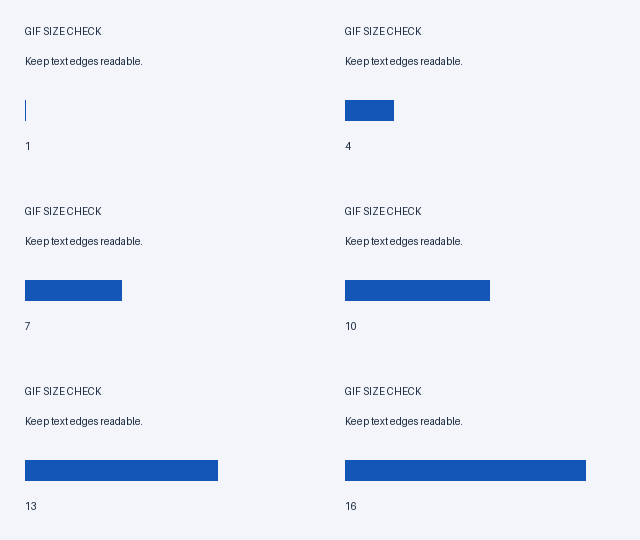
| Text and a progress bar | 16.85 | 4.66 | 0.50 |
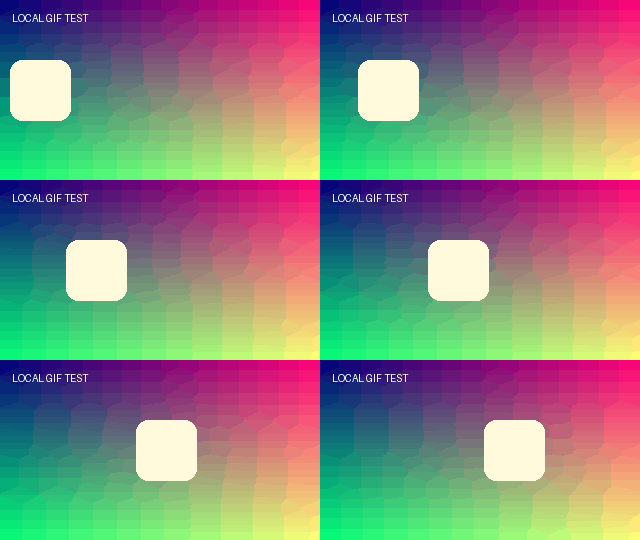
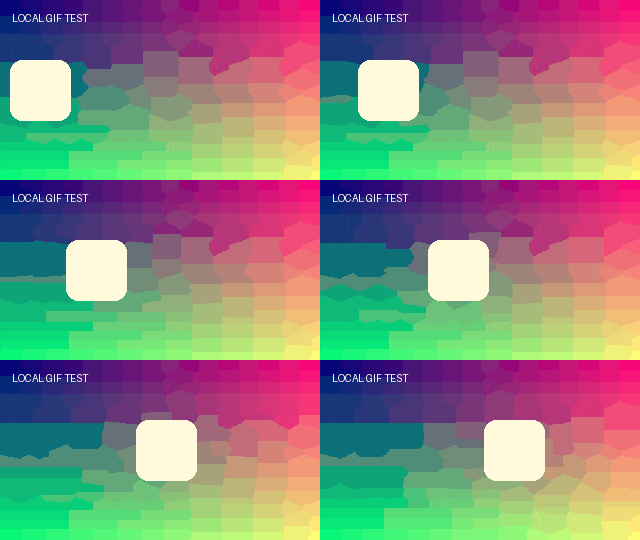
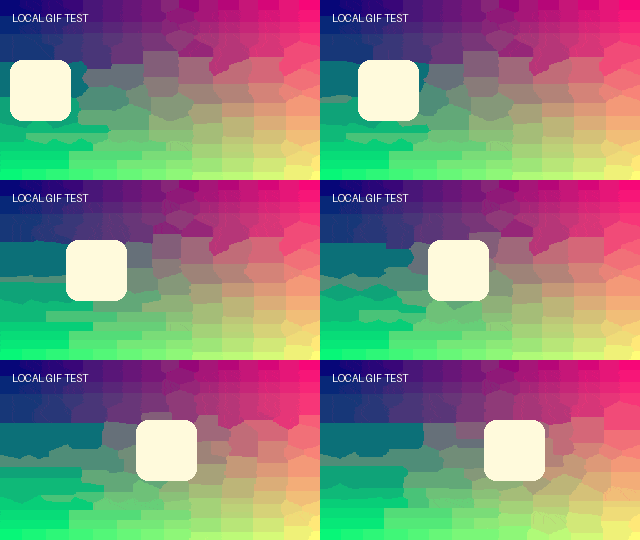
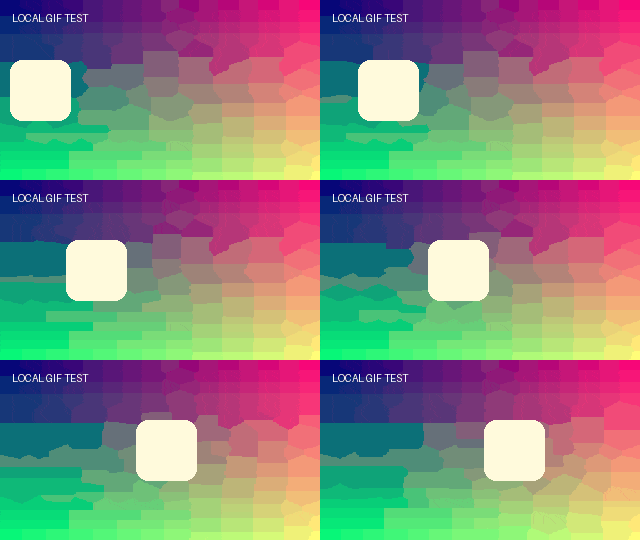

1 KiB = 1,024 bytes. Table values are rounded to two decimals; the exact byte readings are below. The linked names are inputs and the linked output sizes are downloads.
The moving-shapes source was 129,370 bytes; its downloaded result was 49,209 bytes after 0.78 seconds.
Recompressing that 49,209-byte result at the same settings returned the original 49,209 bytes after 0.24 seconds.
The cursor animation went from 4,053 to 2,941 bytes in 0.11 seconds.
The changing gradient went from 193,887 to 113,545 bytes in 1.99 seconds.
The text animation went from 17,258 to 4,775 bytes in 0.50 seconds.
We downloaded and decoded each result again; all five retained the source frame count and frame delays.
Same file, one setting changed
In our additional text-animation run, changing only Dimensions from 100% to 80% produced a 256 × 144 GIF of 4,656 bytes in 1.07 seconds.
The full-size result was 320 × 180 and 4,775 bytes, so the smaller dimensions saved another 119 bytes for this sample.
That small byte saving is a reason to inspect the text before accepting the smaller dimensions, rather than assuming every resize is worthwhile.
Choose settings for the image you have
For a small interface animation, start with Lossless settings and inspect sharp text and edges before introducing loss.
For a gradient or photographic animation, compare the preview after palette reduction: a smaller palette can change smooth color transitions.
When the image will be displayed smaller, try reducing Dimensions and inspect the result at its intended display size.
Keep dimensions unchanged when readable text or fine detail matters more than another size reduction.
Finish the task, not just the compression run
Upload your GIF to the tool, note Original size, and choose the first setting you are willing to change.
Press Compress GIF, wait for completion, and read both Result size and the status message.
If it is still too large for your destination, change one control and run again; this tool does not promise a target file size.
If the result is acceptable, download it and check one complete playback cycle in the saved file.
Can I compress an existing GIF again?
An already compressed GIF may have little room left at the same settings.
SlimGIF keeps the original download if its generated candidate is equal in size or larger; a filename ending in -compressed.gif alone does not prove a reduction.
If you cannot accept changes to appearance or dimensions, keeping the original is a valid outcome.
Can I reduce GIF size without losing quality?
No setting here guarantees unchanged visual quality.
Does my GIF leave my device?
Files selected from your device are processed locally in a browser worker and are not uploaded.
URL import contacts the source URL to download its GIF; choosing a local file avoids that source request.
Evidence and scope
The figures above come from our own files and browser runs, not competitor claims. They show byte size and timing, not a visual-quality score. Try the linked samples yourself; timing varies by device and browser.
Open GIF Compressor · Read an unchanged-size result · Check animation after compression