Does Interlacing Make a GIF Smaller?
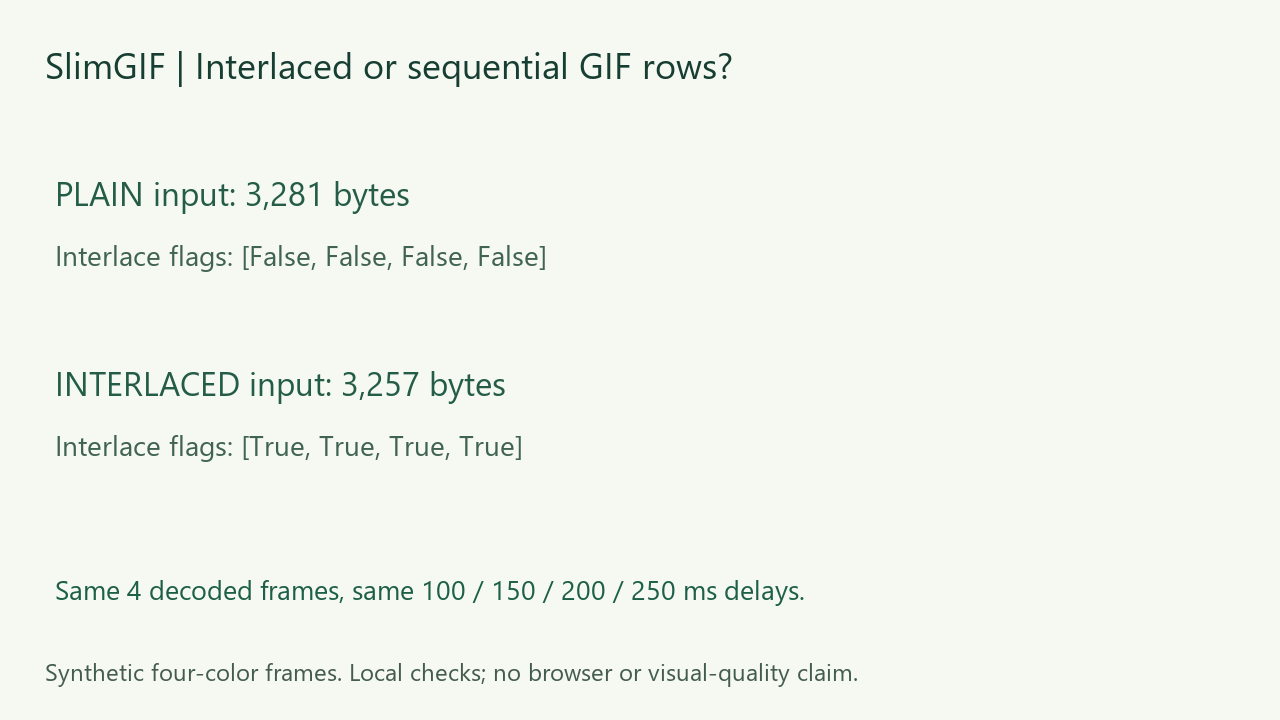
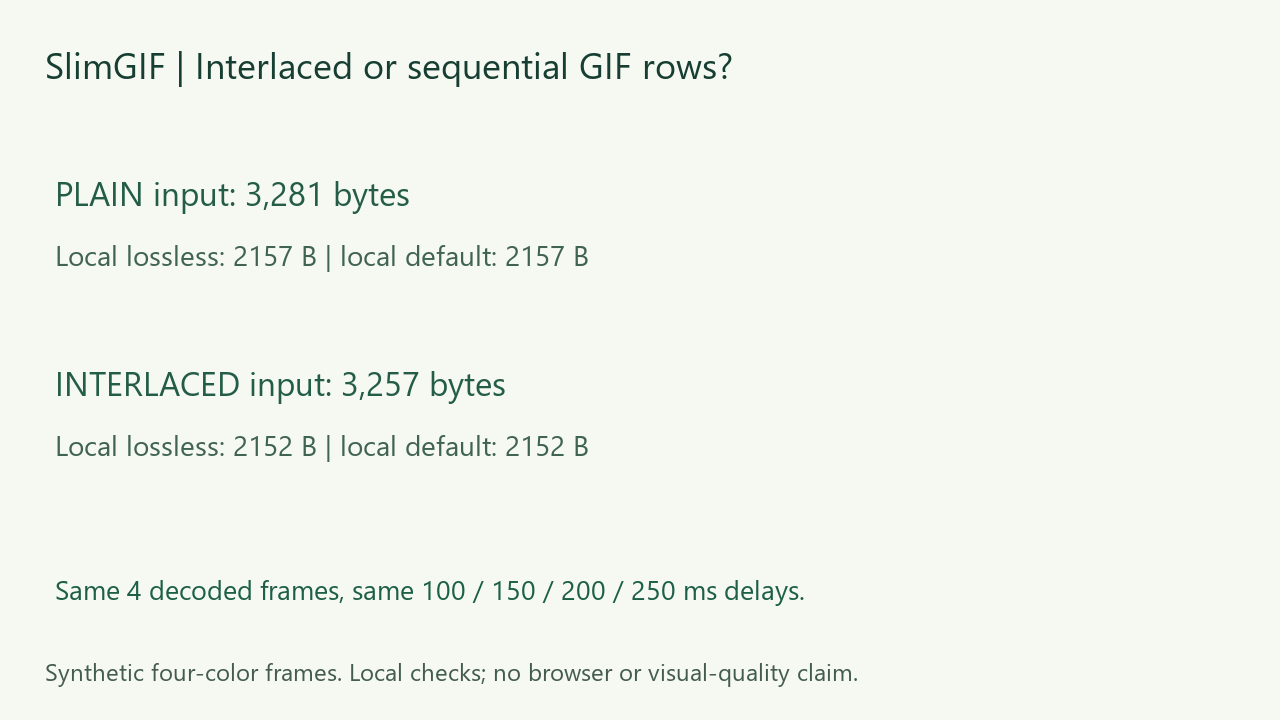
Not predictably. In our same-pixel pair, the interlaced input was 3,257 bytes versus 3,281 bytes for sequential rows. After local compression, the outputs were 2,152 and 2,157 bytes: only a five-byte difference. Both tested settings kept the decoded frames and delays in this fixture, but the interlaced output kept the interlace flag only on its first stored frame. This small result is not a recommendation to enable interlacing for every GIF.
Measured October 26, 2026. Local runs of the deployed engine and local file decoding; no browser download, progressive-loading or visual-quality measurement.
What is different about these two GIFs?
We created four 96 × 56 opaque frames containing the same four-color pattern. Each input uses the same palette, frame content, dimensions, 100/150/200/250 ms delays and loop value 0. Pillow encoded one version with sequential rows and one with interlaced rows. We generated each image-data stream using that setting; we did not merely toggle the flag on an existing compressed file.
| Input row order | Input bytes | Local lossless | Local default |
|---|---|---|---|
| Sequential | 3,281 | 2,157 | 2,157 |
| Interlaced | 3,257 | 2,152 | 2,152 |
The original interlaced input was 24 bytes smaller, not larger, for this particular pattern and encoder. The final gap was five bytes. That single pair cannot establish the typical direction or size of the difference for photographs, transparent animations or other encoders.
What does the interlace flag actually describe?
The GIF89a specification describes interlacing in the image descriptor and defines the row sequence used for interlaced image data. It concerns the order of encoded image rows. It is not an instruction to reduce animation frame count or shorten frame delays. A flag must agree with the actual image-data ordering; changing the bit alone can produce incorrectly decoded pixels.
What did the local compressor preserve?
We used the engine currently served by SlimGIF, checked byte for byte against the local copy before running it. The commands were -O1 input.gif -o /out/output.gif and, separately, -O1 --colors 128 --lossy=30 input.gif -o /out/output.gif. Dimensions were unchanged. These outputs came from local engine execution, not an observed browser save.
Each output contained four frames at 96 × 56 with the original delays and loop value 0. For the lossless-setting outputs, complete decoded RGBA sequences matched the respective inputs in both Pillow and FFmpeg. The two settings produced identical bytes within each input’s output pair; the outputs from the two different inputs were not byte-identical.
Our structured GIF parser found sequential flags on all four sequential-input output frames. For the interlaced input, the output flags were interlaced, sequential, sequential, sequential. Thus preserving the decoded animation did not preserve every original frame’s encoding flag. We did not instrument the optimizer to assign the five-byte difference to a single internal operation.
Is a smaller interlaced file faster to display?
This experiment does not answer that. We counted bytes and decoded files locally; we did not throttle a network, measure partial-image presentation, or time current desktop and mobile browsers. File size, loading behavior and animation timing require different measurements. We also did not score subjective visual quality.
Download and reproduce the checks


Input/output measurements, per-frame flags and hashes · independent FFmpeg checks · commands · fixture and verification source · engine runner · reproduction requirements. The synthetic inputs and figures are CC0. Source scripts use our workspace paths, which need adjusting on another machine.
What should I do with my own GIF?
Measure the saved input and output instead of assuming interlacing guarantees a saving. Keep the original and compare every decoded frame, dimensions, timing and loop metadata. Our fixture has only four colors and opaque frames; it does not establish a general result for disposal-heavy or transparent content, competing compressors or platform re-encoding.
Start with the GIF compressor. For a different storage question, see the shared-versus-local palette experiment. For frame timing, see short frame delays; for unchanged file size, see why the original may be retained.