Can a Shared Color Palette Make a GIF Smaller?
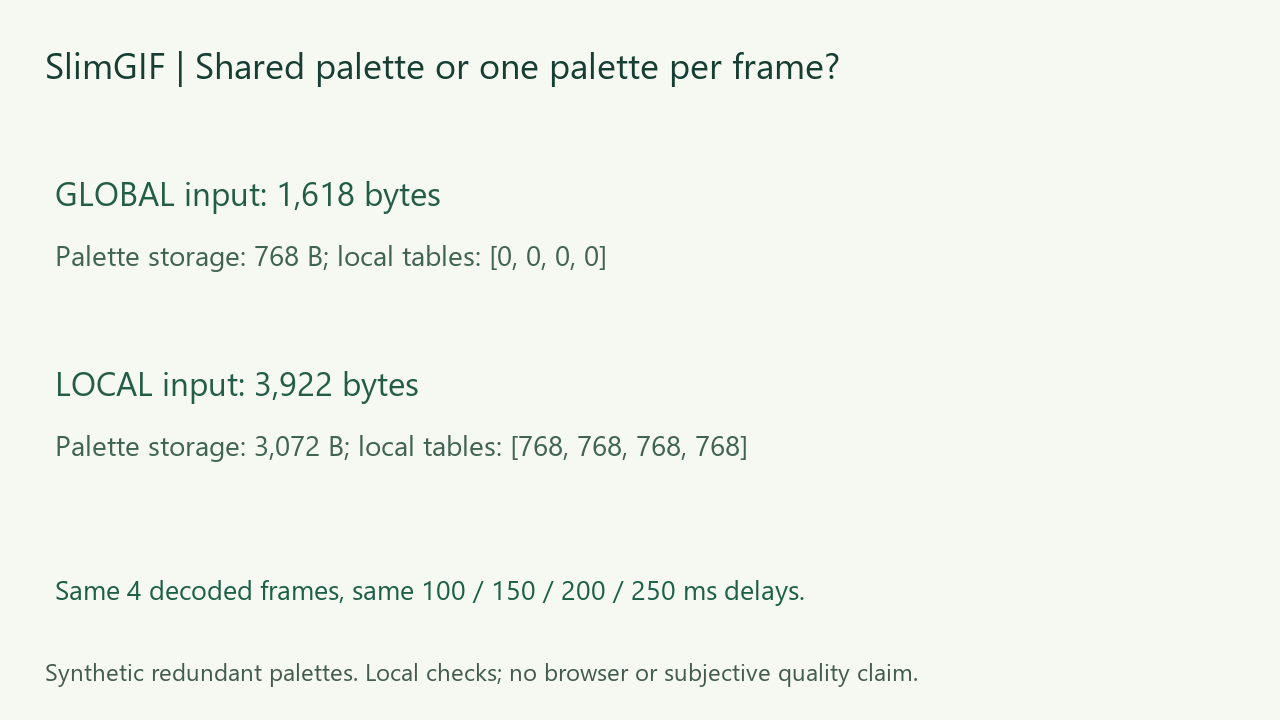
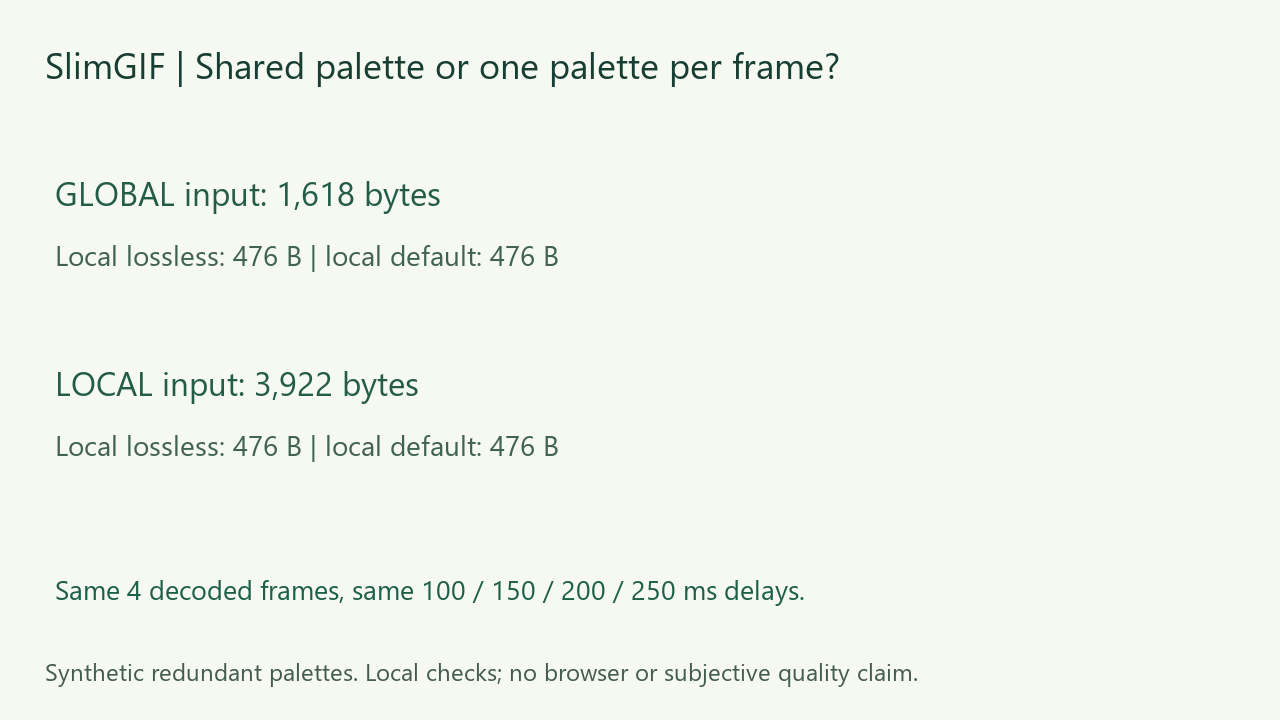
Yes, when frames repeat the same palette. Our paired GIFs decoded to the same four frames, but used 1,618 bytes with one shared table versus 3,922 bytes with four repeated local tables. Local runs of SlimGIF’s engine compressed both inputs to the same 476-byte output under each of two settings. This is a deliberately redundant, four-color example; it does not show that a shared palette is always better or that different frame palettes can be merged without changing colors.
Measured October 25, 2026. Local engine runs and file decoding, not observed browser downloads or subjective visual-quality testing.
Same pixels, different palette storage
We generated four opaque, full-canvas frames at 96 × 56 pixels. They use the same four RGB colors, have delays of 100, 150, 200 and 250 ms, and loop indefinitely. One input stores one 256-entry global color table. The other stores that identical 256-entry table separately in each of four frames, with no global table.
| Input | File size | Table storage | Local lossless | Local default |
|---|---|---|---|---|
| One global table | 1,618 B | 768 B | 476 B | 476 B |
| Four identical local tables | 3,922 B | 3,072 B | 476 B | 476 B |
The 2,304-byte input gap is exactly three extra 768-byte copies of the table. We constructed the pair from the same frame payloads, retaining the interlace flag when changing the palette-location flag. This controls the table-storage difference before compression.
What did compression actually change?
We ran the deployed engine locally with -O1 input.gif -o /out/output.gif, then separately with -O1 --colors 128 --lossy=30 input.gif -o /out/output.gif. Neither command changes dimensions. Before the test, the public engine file matched our local copy byte for byte; the evidence includes its SHA-256.
All four outputs were 476 bytes and identical byte for byte. Each contained one 12-byte global table, no local tables and four stored frames. Because only four colors were used, the final shared table contains four RGB entries. The 476-byte size reflects the complete re-encoding result, including table trimming and frame optimization. We did not isolate every optimizer stage or attribute the whole saving solely to sharing a table.
Is sharing a table the same as reducing colors?
No. In this fixture, moving identical tables into one shared location changes storage without needing new RGB choices. Trimming unused entries is another change. A frame-specific palette with different RGB values is a different problem: forcing frames into one smaller palette may require remapping colors. Our inputs do not test that trade-off. The GIF89a specification describes global and local color tables; the storage principle itself is established, not a new technique invented here.
How did we verify the saved files?
After generating and saving the files, we decoded them locally with Pillow and separately with FFmpeg. The two input GIFs had the same complete RGBA frame sequence. For each lossless-setting output, the decoded sequence matched its input in both checks. All six files retained four frames at 96 × 56, delays of 100/150/200/250 ms and loop value 0. A structured GIF parser counted global and local table bytes without searching compressed image data for marker patterns.
These are our local checks, supported by downloadable files and source code. Matching stored pixels and timing is not a measurement of perceived quality or synchronized playback in browsers.
Download the paired inputs and results


Measurements, table counts and hashes · FFmpeg verification · exact commands · fixture and verification source · engine runner · reproduction requirements. Our synthetic inputs and figures are CC0. Scripts use our workspace paths; adjust those when reproducing elsewhere.
What should I check on my own GIF?
Save the compressor’s output and compare the complete animation, dimensions and timing. A redundant palette is one possible source of overhead, not a diagnosis for every large GIF. We did not measure browser downloads today, compare competing tools’ output, test complex transparency or score subjective visual quality. Equal results under the two settings here do not make lossy compression universally lossless.
Open the GIF compressor. For the different question of how many colors frames can contain, see our per-frame color experiment. For timing, see short frame delays; for a result that does not shrink, see why the original may be kept.
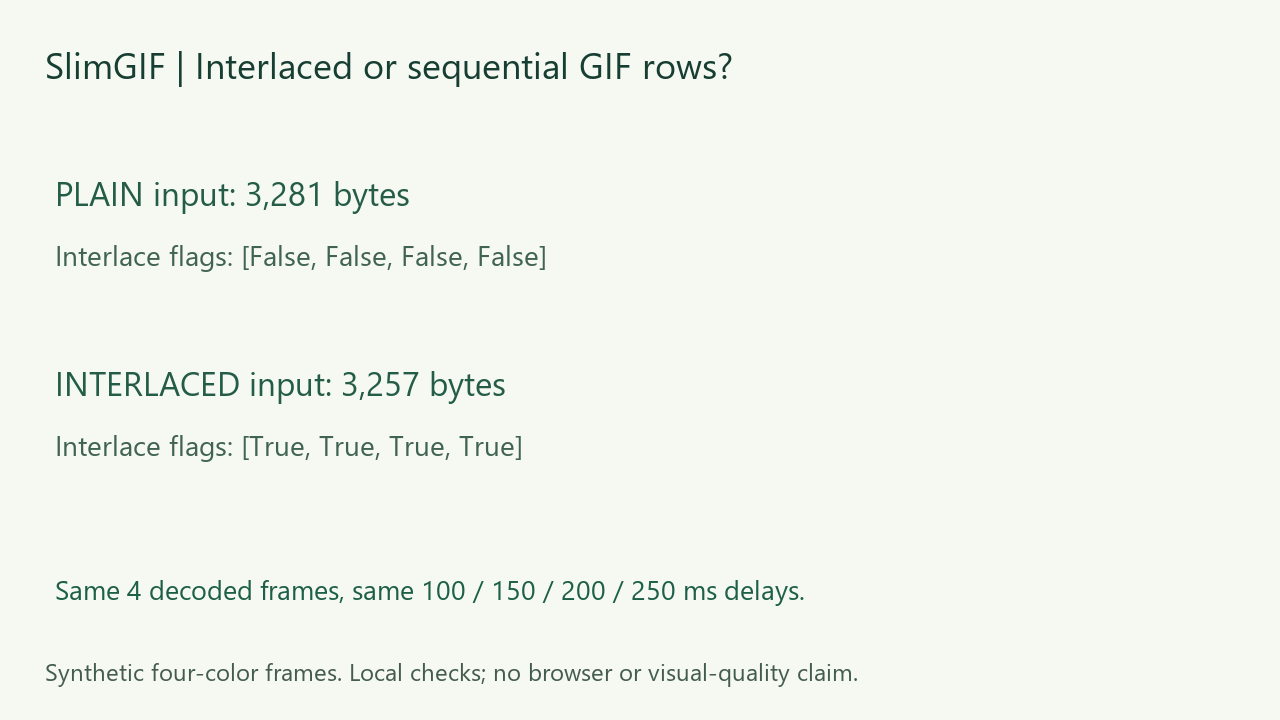
Does interlacing guarantee smaller GIFs? Compare sequential and interlaced row encoding.
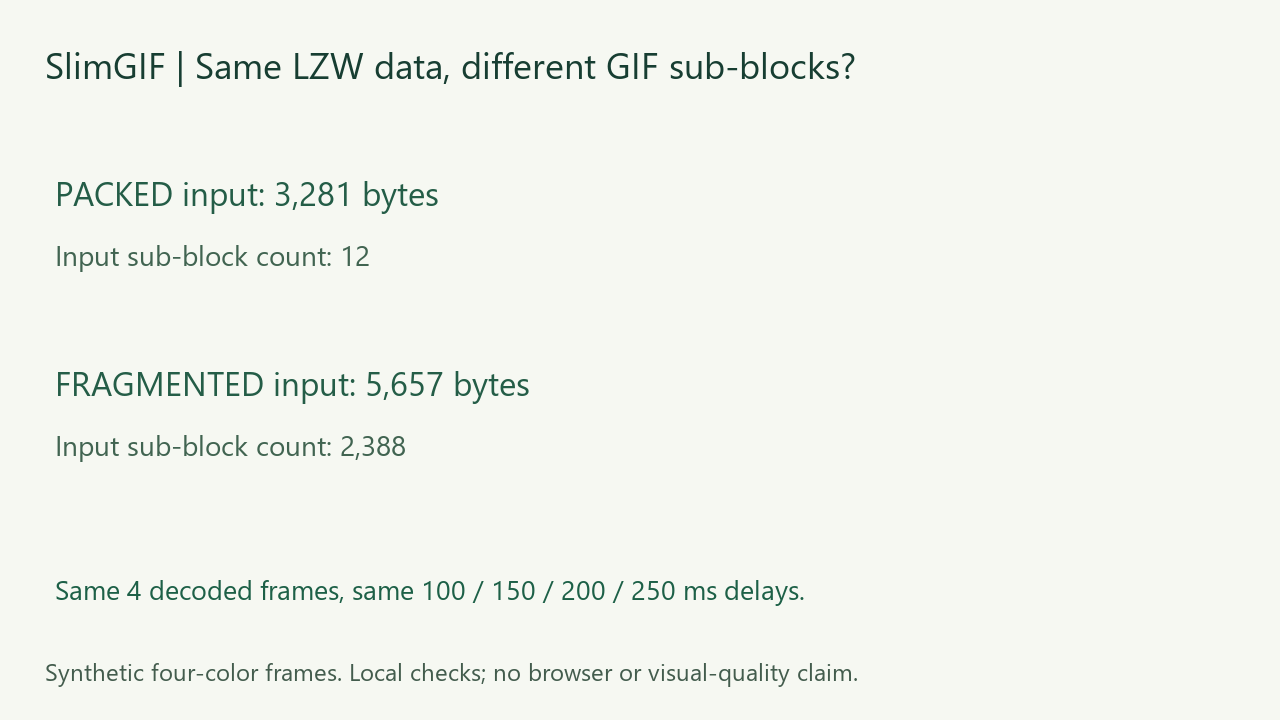
Can GIF sub-block framing change file size? Compare identical image data with different sub-block lengths.
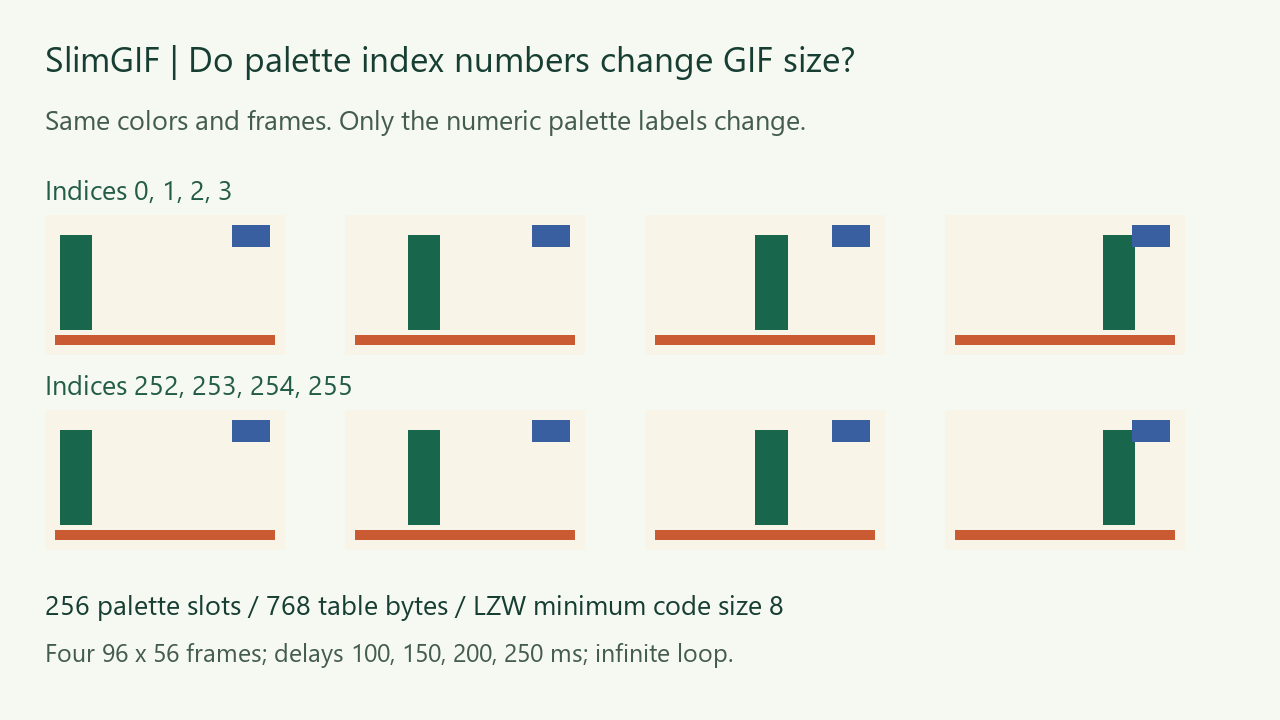
Can changing palette labels save bytes? Compare identical animations stored at low and high indices.
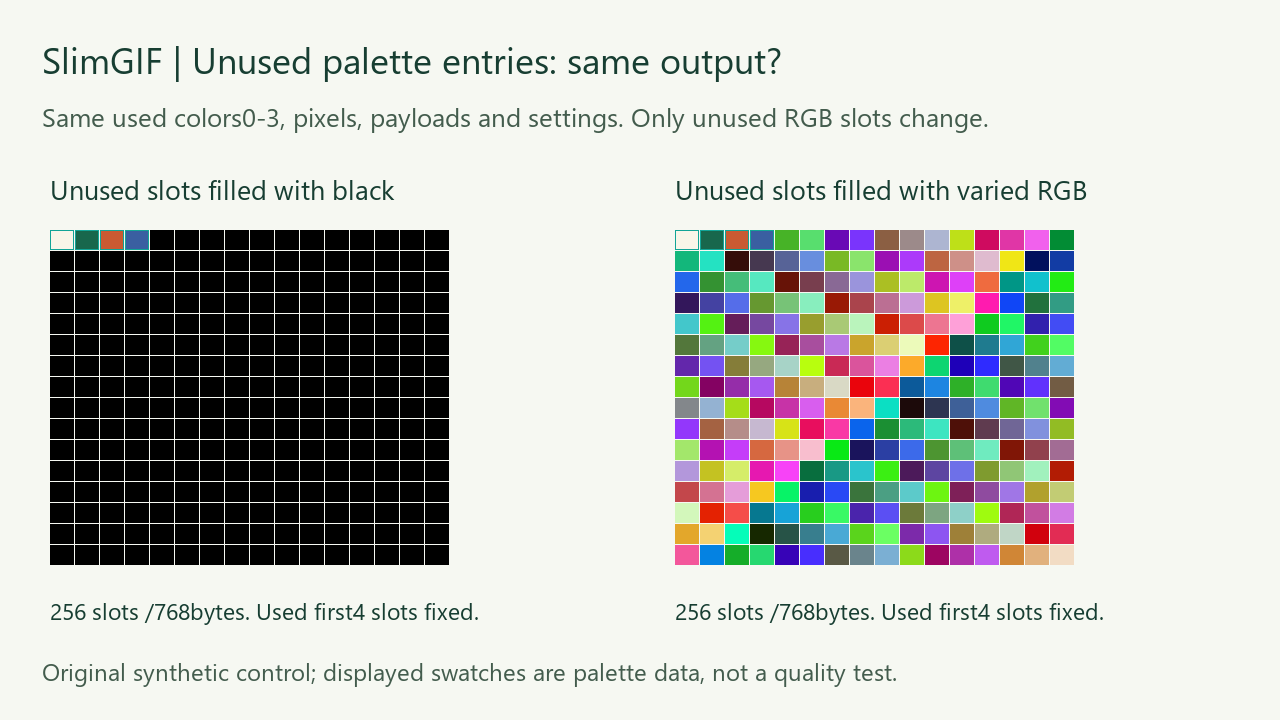
Do unused RGB palette values affect compression? See the fixed-index unused-color experiment.