GIF Compressor for Discord
Compress your GIF locally, download it, and compare its actual size with the limit shown in Discord. Start with fewer colors; reduce dimensions if it is still too large.
No account or added watermark. Selected files stay in your browser during compression. Uploading the finished file to Discord is a separate action you control.
First check where the GIF will go
- Chat attachment: Discord currently lists 20MB for non-Nitro uploads, while noting experiments with limits. Check your account’s upload prompt.
- Custom emoji: Discord says files must be under 256KB. The chat attachment limit is not the emoji limit.
- Profile avatar: Discord says animated GIF avatars require Nitro. Reducing bytes does not unlock an animated avatar.
Official requirements checked October 9, 2026: attachments, custom emojis, and profiles. Use the limit displayed for your destination.
A photograph-based GIF, measured in our tool
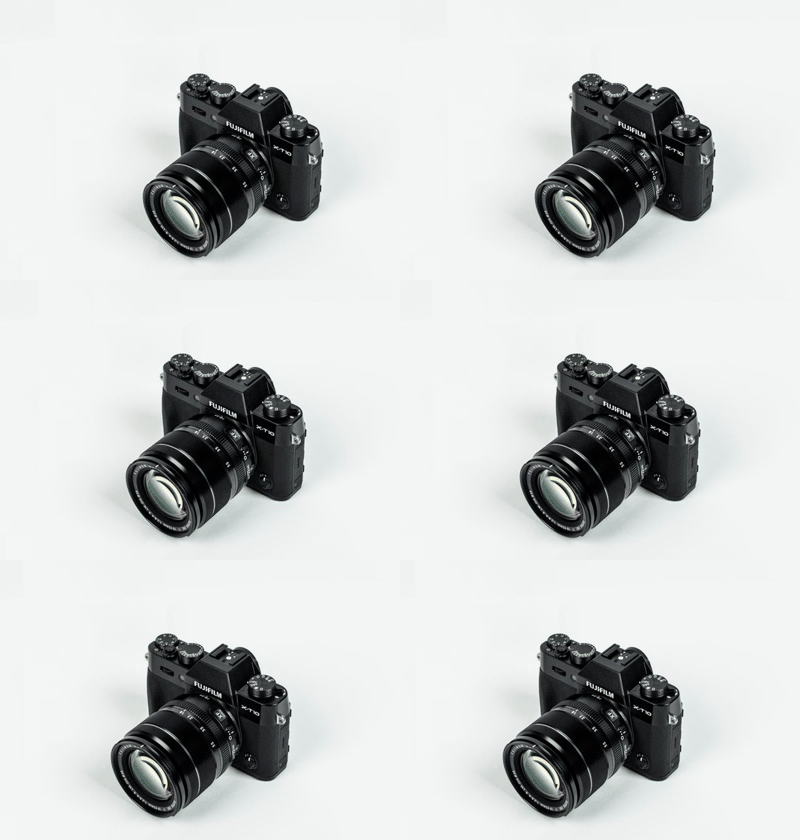
We made a horizontal pan from a real camera photograph, rather than another vector-only test. This is a photo-derived animation, not filmed motion.
Our input is 400 × 280 pixels, with 20 frames, each lasting 100 milliseconds, and an infinite loop. We ran the same input twice on October 9, 2026, using 128 colors and lossy strength 30.
| Dimensions setting | Input bytes | Downloaded bytes | Output dimensions | Time (s) |
|---|---|---|---|---|
| 100% | 801,348 | 298,219 | 400 × 280 | 1.03 |
| 60% | 801,348 | 121,304 | 240 × 168 | 2.71 |
These are individual browser runs, not averages. Time is the tool’s displayed elapsed time, including engine startup and output validation. A different device can take longer.
The full-size result exceeds both 256,000 and 262,144 bytes; the resized result is below both. This avoids treating the KB label as an exact byte definition. Neither measurement proves Discord will accept the file.
We downloaded and decoded both outputs again. Each kept all 20 frames, every 100-millisecond delay, and the infinite-loop flag.
Changing only Dimensions between these runs reduced the output from 298,219 to 121,304 bytes. It also reduced the image dimensions: inspect camera edges and texture before choosing the smaller version.
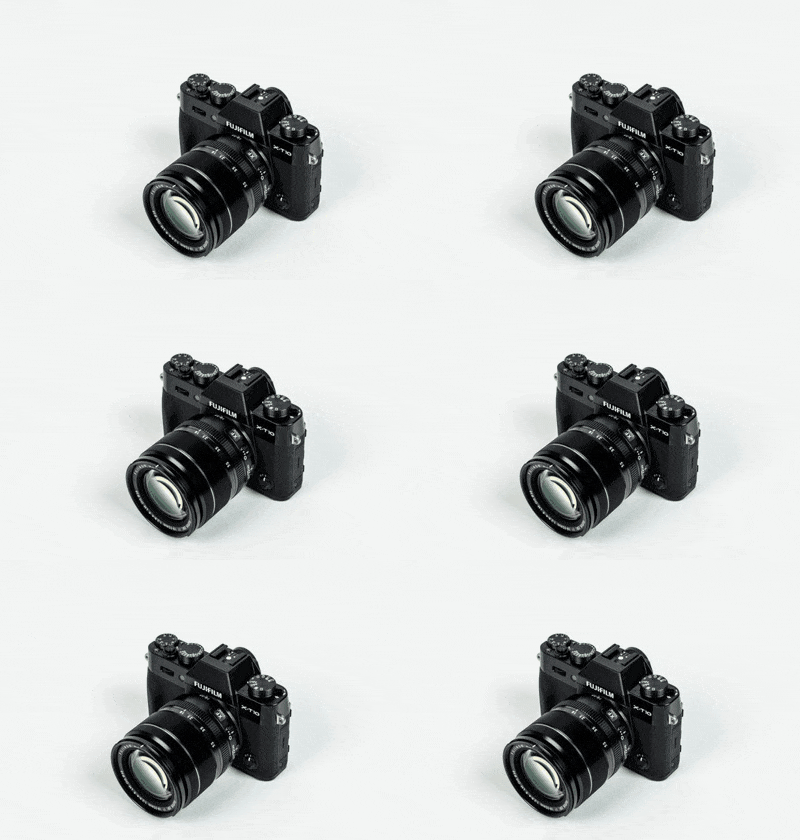
Download the test input. Photo source: Pexels photo 90946, adapted into a pan under the Pexels License. This test does not imply endorsement by the pictured brand.
Compress, inspect, then upload
- Open the compressor and choose your local GIF. Note Original size.
- Try 128 colors, lossy strength 30, and original dimensions. These were our test settings, not a quality guarantee.
- Press Compress GIF and compare Result size with your destination’s limit.
- If still too large, reduce Dimensions, run again, and inspect text, faces, edges, and motion.
- Download the result and check saved playback before attaching it in Discord.
Why is my compressed GIF still too large?
Our photographic test remained above the emoji size threshold at full dimensions after compression. A smaller file may require more visual change than you want to accept.
SlimGIF does not promise a target size, crop a clip, shorten its duration, or deliberately drop frames. Edit the source separately if you need a shorter loop.
If its candidate is equal in size or larger, the tool keeps your original file as the download and says so. Repeating identical settings may not help.
Will compression fix a GIF that does not animate in Discord?
Not necessarily. Compression does not change account eligibility, server permissions, or playback settings. Check whether your downloaded GIF animates outside Discord and whether the destination supports your intended use.
We tested compression and downloaded animation structure, not an upload to a Discord account.
Does this upload my GIF?
No selected file is uploaded by the compressor. Gifsicle runs locally in a browser worker. Direct-URL import contacts the source to download a GIF; choosing a local file avoids that request. Website usage analytics are described in our privacy policy.
Can I guarantee unchanged quality?
No. Palette reduction, lossy strength, and resizing can change appearance. Try Lossless settings first when exact colors or sharp text matter, then compare the actual output.
Open GIF Compressor · Five more measured tests · Read an unchanged-size result