Why Does My Compressed GIF Have a White Edge on Dark Backgrounds?
A pale edge can already be stored as opaque pixels in the source. Lossless compression will not necessarily remove it. In our synthetic test, the same local engine used by SlimGIF reduced 2,897 bytes to 332 bytes, while the first-frame edge pixel stayed RGBA (138, 188, 228, 255). The dark-background comparison exposes that existing pale rim. This is an engine experiment, not a measured browser download.
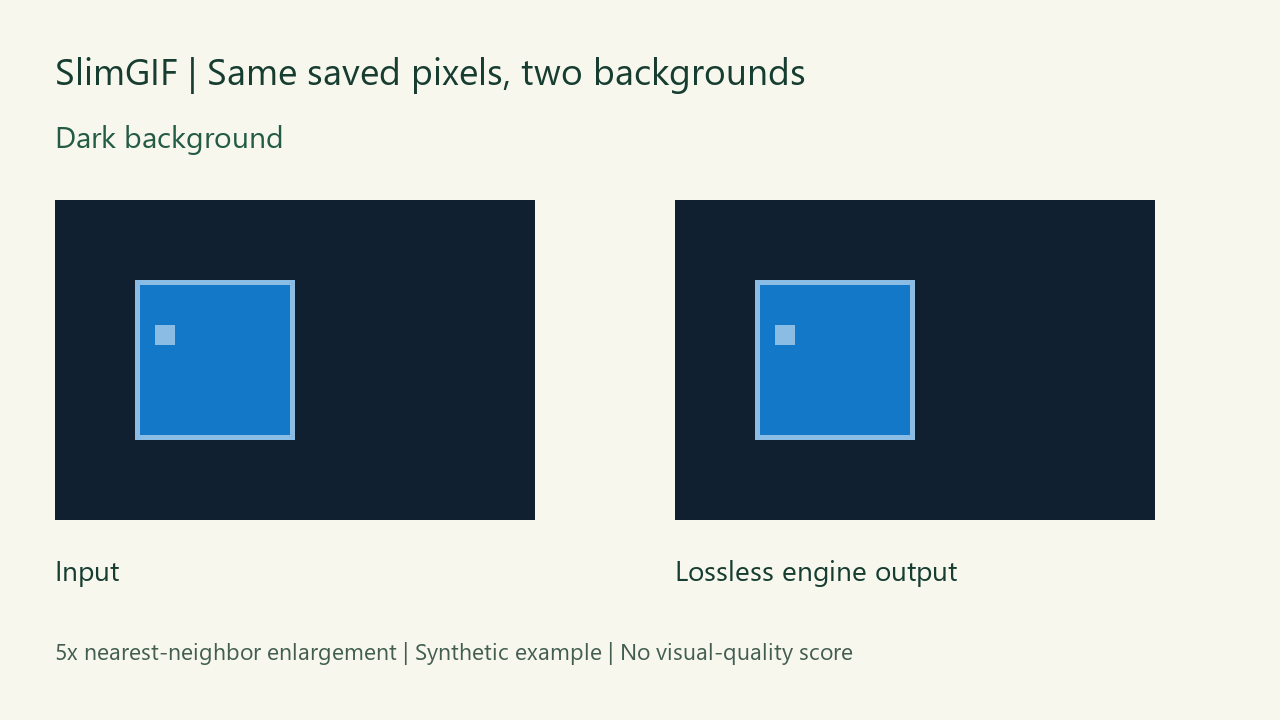
The edge was in the input
We created a 96 × 64 transparent GIF with a blue square, a one-pixel pale rim and a moving mark inside it. The rim was deliberately constructed by mixing blue (20, 120, 200) halfway with white, rounding to (138, 188, 228), and storing that color as fully opaque. It imitates one possible matte problem; it is not a diagnosis of your file.
| File | Bytes | First-frame edge at (16,16) |
|---|---|---|
| Synthetic input | 2,897 | (138,188,228,255) |
| Local lossless engine output | 332 | (138,188,228,255) |


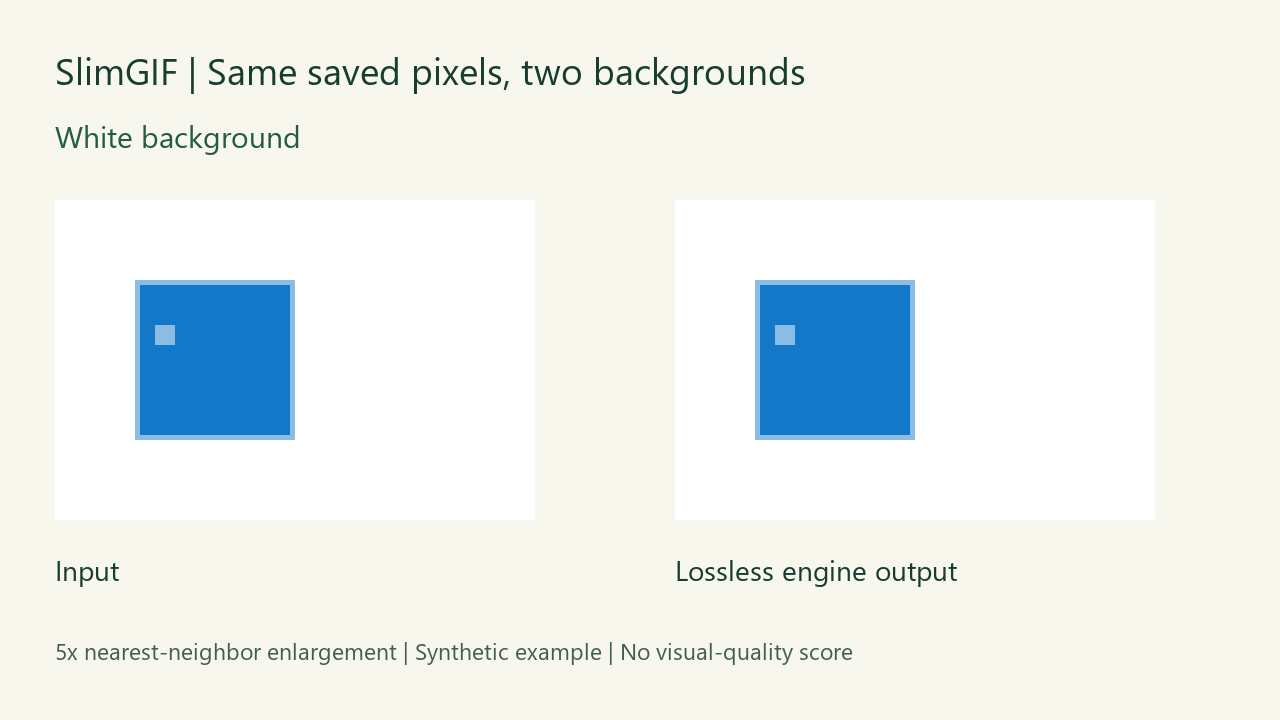
The surrounding transparent area contained 5,120 pixels per decoded frame in both files. The square and its rim were opaque. Changing the page behind the GIF changes what appears through transparent pixels; it does not replace those opaque edge pixels.
What the local comparison actually verified
On October 20, 2026 we ran the current site's Gifsicle WebAssembly engine locally with -O1 input.gif -o /out/output.gif. This corresponds to keeping 256 colors, lossy strength 0 and dimensions 100%; it does not describe the homepage's initial settings. We then decoded the saved input and output locally using Pillow.
For this fixture, all three decoded visible frames matched in order. We zeroed RGB under fully transparent pixels before hashing, so the hashes compare visible RGBA content rather than unused hidden colors. Stored delays remained 100, 200 and 300 milliseconds, dimensions remained 96 × 64, and loop value remained 0 (infinite). Read byte counts, hashes and the exact comparison method. Preserved timing does not establish perceived quality.
Should I compress harder to remove the rim?
In this experiment, compression saved 2,565 bytes and left the rim intact. More aggressive settings are not demonstrated here as an edge repair. First put the original and output on the same intended background. If the original already has the rim, return to the source artwork and export against the intended background, or inspect a deliberate edge-cleanup workflow before compressing again.
For a source with a removable flat background, the separate background-color tool can be a starting point. Removing a whole color can also remove wanted pixels: this article does not claim that it can reconstruct the original edge coverage or automatically repair a matte.
Does a matching first frame prove every GIF is safe?
No. We also tried a different moving-square fixture during preparation. Pillow's decoded third-frame transparency differed after the same engine command. We retained that exploratory input and output; we have not established the cause. The passing checks above apply only to the 2,897-byte rim fixture, not to all transparent animations. Inspect the full loop of your own saved file.


These original synthetic fixtures and comparison figures are released under CC0. Fixture and decoding source and local engine harness are available; the source references local paths and needs the named dependencies and site engine to run. No subjective quality score or photographic benchmark was measured.
Use the GIF compressor to compare settings, and keep the original. For a different kind of retained data, see our saved-file comment test.
Update: a targeted transparent-frame fix
Later on October 20, two independent local decoders (Pillow and FFmpeg) reproduced 192 changed pixels in the exploratory output third frame. A targeted compressor change uses optimization level 2 for GIF inputs that mark a transparent frame with background disposal. The original input then produced a 451-byte browser download matching the separately tested level-2 output. All three visible frames, stored delays, dimensions and loop matched the input in both decoders. Download the corrected browser result. The older failed output above remains available as historical evidence. Five local lossless regression fixtures passed; this does not guarantee every GIF or every lossy setting.

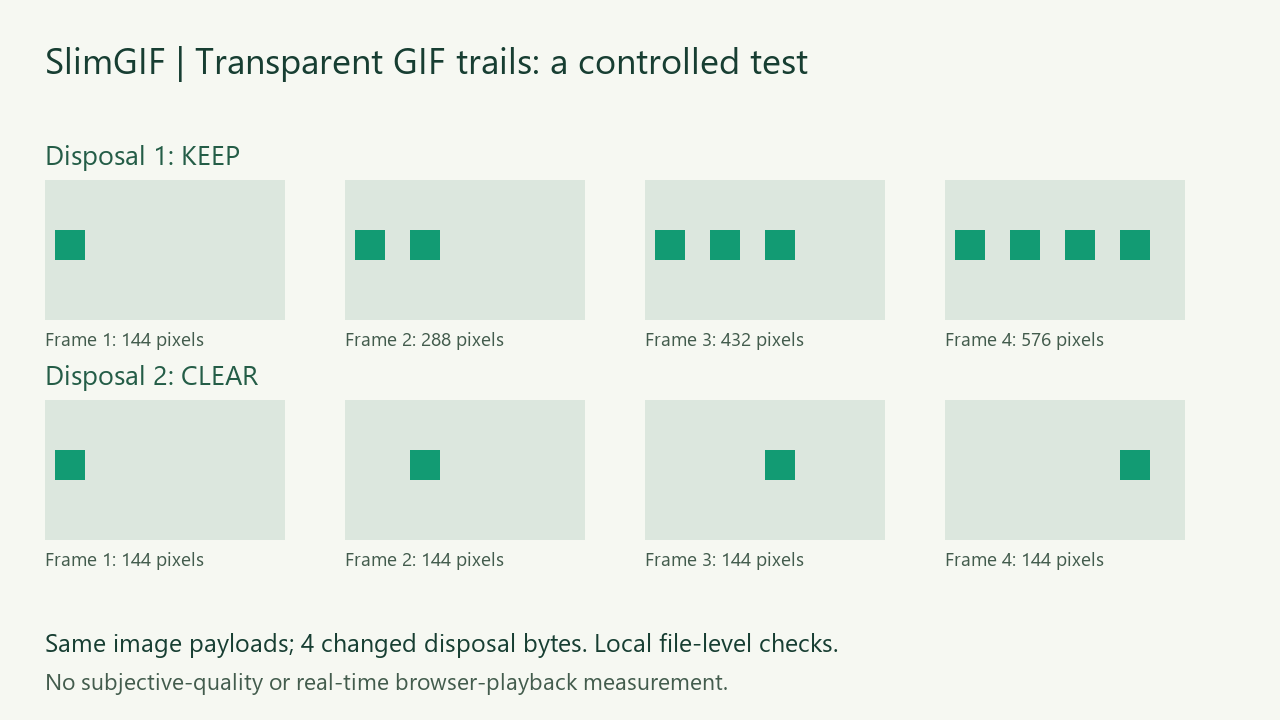
Transparent frames leaving trails? Compare four changed disposal bytes and complete decoded frames.