Can GIF Data Sub-Blocks Change File Size?
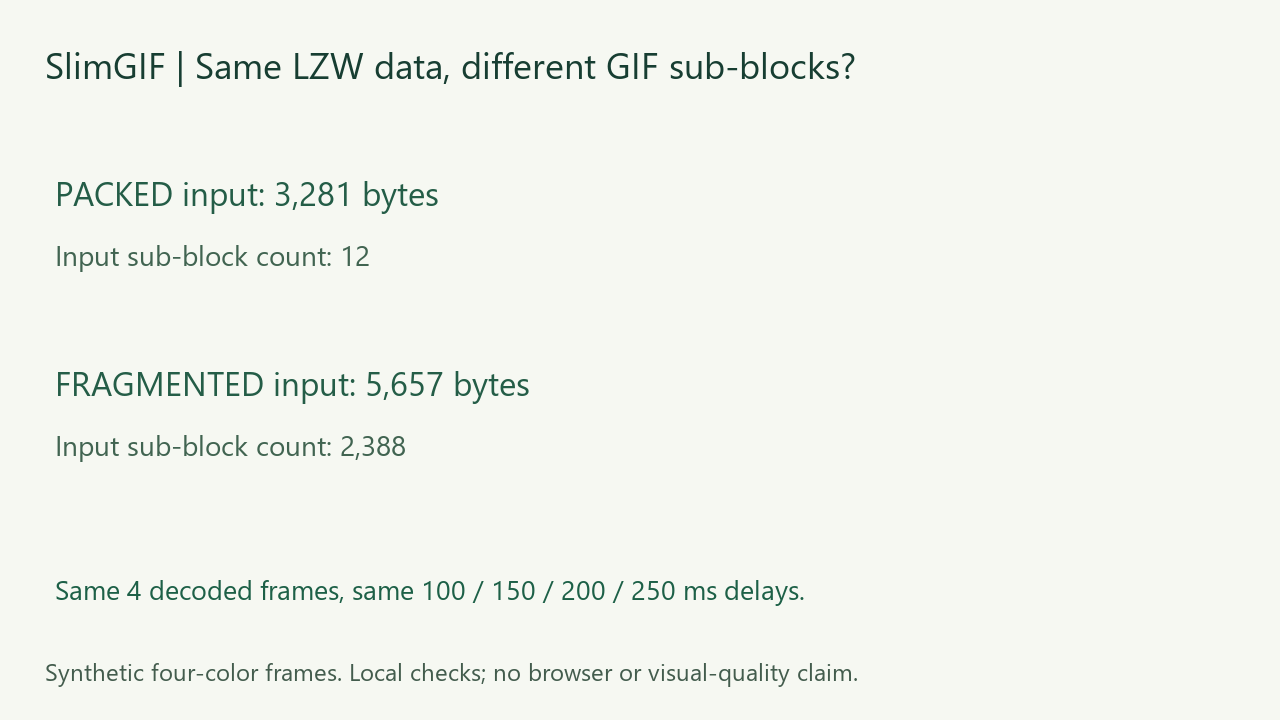
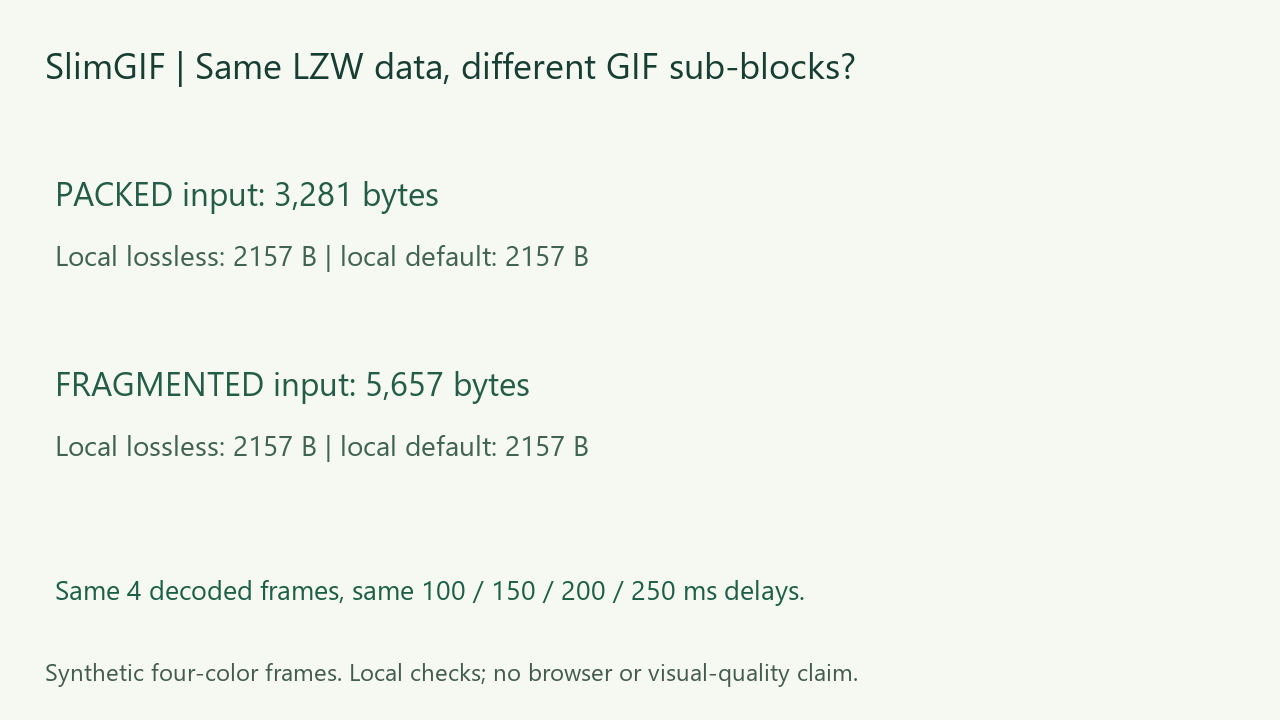
Yes. Our two GIFs contain the same compressed image payloads and decode to the same four frames, yet one is 3,281 bytes and the other 5,657 bytes. Splitting those payloads into smaller GIF data sub-blocks adds 2,376 length bytes. Local runs of the deployed engine produced the same 2,157-byte output at both tested settings. This is a controlled synthetic pair, not a typical saving or a browser-download measurement.
Measured October 27, 2026. Own CC0 files; structural parsing plus local Pillow and FFmpeg decoding. Subjective visual quality and real-time browser playback were not measured.
What is a GIF data sub-block?
The GIF89a specification defines image data as sub-blocks with a one-byte length followed by up to 255 data bytes, ending with a zero-length terminator. That framing is separate from the LZW-compressed image payload inside it. This format rule is established documentation, not a SlimGIF invention.
Same LZW payload, different byte counts
We generated four opaque 96 × 56 frames with four colors, 100/150/200/250 ms delays and loop value 0. We then regrouped each frame’s existing compressed bytes without changing their order, LZW minimum code size, palette, frame descriptor or control extensions. One file uses sub-blocks of up to 255 data bytes; the other uses one data byte per sub-block. Neither file is made by corrupting the compressed stream.
| Input | Sub-blocks | Input bytes | Local lossless | Local default |
|---|---|---|---|---|
| Up to 255 data bytes | 12 | 3,281 | 2,157 | 2,157 |
| One data byte | 2,388 | 5,657 | 2,157 | 2,157 |
The input difference is exactly 2,388 - 12 = 2,376 bytes. Each extra sub-block adds one length byte; both variants retain one terminating zero per frame. Per-frame SHA-256 hashes of the concatenated compressed payloads match. The input-structure download records every sub-block size, so this input difference can be checked without relying on a visual preview.
What did compression do to this pair?
We ran the exact deployed engine locally with -O1 input.gif -o /out/output.gif and separately with -O1 --colors 128 --lossy=30 input.gif -o /out/output.gif. All four saved outputs are byte-identical and measure 2,157 bytes. Engine hash and command records are available below. These are local engine outputs, not files observed being downloaded from the website.
Do not attribute the entire reduction from either input to sub-block grouping. The engine also re-encodes the GIF and reduces the stored global color table from 768 to 12 bytes in this pair. We isolated framing overhead between the two constructed inputs; we did not instrument every internal optimization responsible for the final output size.
Did the pixels, delays and loop survive?
After saving the files, we decoded them locally. Pillow and FFmpeg independently verified all four decoded frames and the 100/150/200/250 ms delays. Complete RGBA frame sequences match between the two inputs and between each input and its lossless output. The default outputs are byte-identical to those lossless outputs in this fixture. Our local parser and Pillow also checked the 96 × 56 dimensions and loop value 0.
These are file-level checks for this four-color opaque fixture. They do not measure subjective quality, wall-clock playback, transparent disposal behavior, other engines or a platform’s subsequent re-encoding.
Does this explain why my same-looking GIF is larger?
It demonstrates one possible storage difference, not a diagnosis of your file. A decoded-pixel match alone cannot establish identical file layout. To test this particular cause, compare image-data sub-block counts and concatenated payload hashes, keeping extensions and color tables separate. Keep an original copy and measure saved bytes.
Separate website download check
After the local experiment, we also selected the fragmented input on SlimGIF in Chrome with 128 Colors, lossy strength 30 and dimensions 100%. The actual saved website download measured 2,157 bytes and matched the local default output byte for byte. After downloading, we decoded it locally and checked the frames, stored delays, dimensions and loop value; verification record. This is one additional browser run, not a browser measurement of all four local runs. Analytics remained rejected.

Watch the original narrated experiment. The video describes the local experiment; the additional website download was checked afterward.
Download and reproduce


Every input sub-block size and payload hash · measurements and frame checks · FFmpeg verification · commands · fixture source · engine runner · requirements. Inputs and figures are our CC0 synthetic material. Scripts use workspace paths that need adjusting elsewhere.
Try the GIF compressor. Separate storage tests cover global versus local color tables, interlaced row order, and comment extensions.