Does GIF Compression Change a GIF's Frame Rectangles?
It can optimize stored frame rectangles while keeping the decoded canvas, frame timing and motion intact. In this controlled 40 × 30 GIF, three frames move an 8 × 8 blue square. The local Gifsicle build may rewrite how each frame is stored; the saved-file check must compare decoded canvases, not just rectangle metadata.
Published November 11, 2026 · One synthetic control, two local settings, three frames. This is a saved-file experiment, not a browser download or a claim about every encoder.
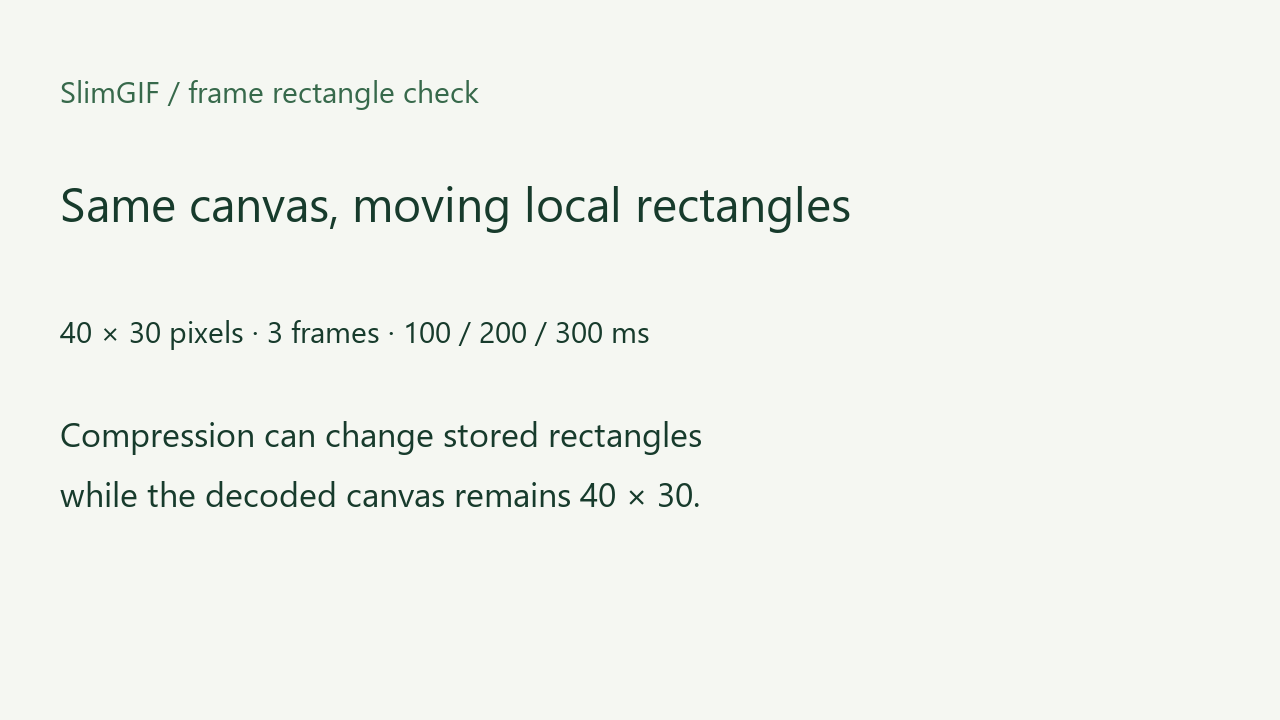
What we measured
The source uses three full-canvas frames with a light background and one blue 8 × 8 square at x=0, 8 and 16. Stored delays are 100, 200 and 300 milliseconds; the raw loop value is 0. We ran the deployed Gifsicle 1.92 WebAssembly build with lossless and default settings locally.
| File | Bytes | Frames | Canvas | Delays | Loop |
|---|---|---|---|---|---|
| full-canvas.gif | 2553 | 3 | 40 × 30 | [100, 200, 300] | 0 |
| source-default.gif | 190 | 3 | 40 × 30 | [100, 200, 300] | 0 |
| source-lossless.gif | 190 | 3 | 40 × 30 | [100, 200, 300] | 0 |
| source.gif | 2553 | 3 | 40 × 30 | [100, 200, 300] | 0 |
All files decode to three 40 × 30 RGBA frames with the same delay sequence and loop value. Stored rectangle metadata is an encoding choice; the decoded canvas is what a player composes.
Why rectangle metadata is not the visible answer
GIF animation frames can describe only a changed rectangle over a logical screen. A compressor may shrink those descriptors to reduce repeated background pixels. The same visible animation can therefore have different frame rectangles and different byte counts. Conversely, a smaller rectangle can change disposal behavior if the encoder or input is wrong.
This page does not claim that every decoder treats malformed rectangles the same way. It does not measure subjective quality, real-time playback, browser downloads, mobile playback or cross-browser compatibility.
How to verify a compressed GIF
- Compare the logical canvas width and height.
- Decode every complete frame to RGBA and compare the pixels.
- Check stored delays and loop metadata separately.
- Open the saved file in the intended player before sharing.
Download the controls


Existing crop, resize and disposal pages cover user-facing geometry and canvas behavior. This page adds the paired saved files and decoded rectangle evidence. It makes no claim that the fixed competitors or current Google results lack an equivalent explanation.